Making a presentation is easy with BrandCrowd
Create a professional presentation in minutes with our free presentation maker. BrandCrowd's presentation maker is easy to use and allows you full customization to get the design you want!
1. Find a presentation template
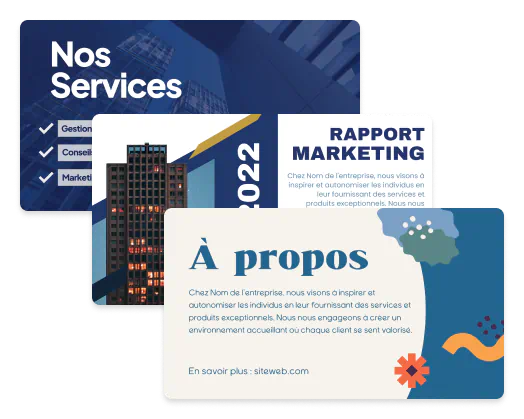
To get started with BrandCrowd's presentation maker simply enter your business name and we'll show you related designs, instantly. Browse thousands of presentation templates and find a design that's perfect for your business. You can also enter keywords to help find a presentation you really love.
2. Customize your presentation
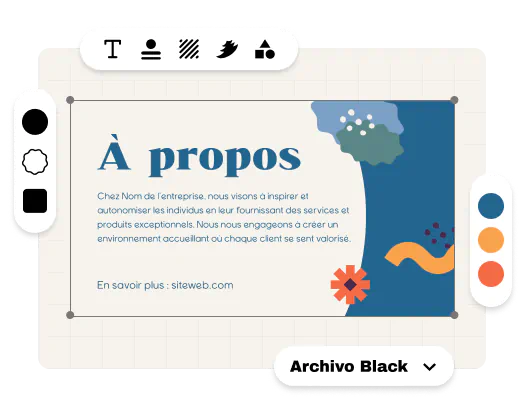
Now that you've found a great presentation, changing the colors, fonts and layout takes just a few clicks. You can move the logo icon, elements, and text. Adjusting the layout of the presentation template is simple. You can add individuality by adding gradient colors, more shapes, or even some curved text - it's easy to create your perfect presentation.
3. Download your presentation!
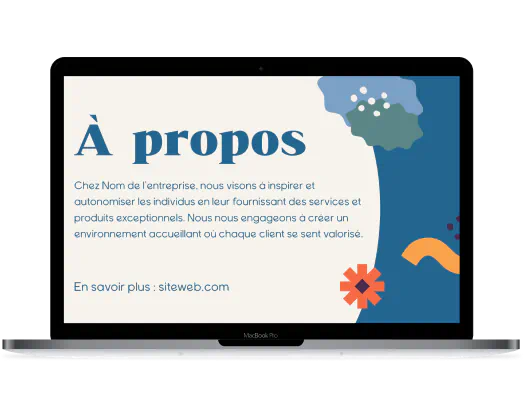
Easy, right? Crafting your presentation was too easy! Now it's time to download. Downloading your presentation design on BrandCrowd is instant with all your files available in your account. Your presentation comes with the following:

High-resolution files (PNG and JPG) - perfect for sharing
Vector files (SVG, EPS and PDF) - perfect for print
Get started with BrandCrowd's presentation maker
Enter your business name and we'll start creating presentations in seconds...
What you get with BrandCrowd's presentation maker
Thousands of Presentation Templates
Choose from thousands of Presentation templates, customised with your logo colors to match your brand.
Premium Presentation Designs
Each and every presentation at BrandCrowd is created by professional designers

All The Presentation Files You Need
Get high-res files & vector files (SVG, EPS and PDF) ready for sharing or printing.
Color and Layout Variations
Choose from several layout options and use any color for your presentation.
Social Media Templates
Create branded social media designs to match your presentation. Social posts & stories customized with your brand colors.
Brand Identity Templates
Get access to letterheads and email signatures matched to your brand colors to complete your brand identity.

Unlimited Customization
Edit the layout, colors and font on your presentation. With unlimited edits you can create as many variations as you want.

Support
24/7 support from our team of design experts, means you're always looked after. Help with customization, download and print.

Royalty Free Logos
Get a worldwide, irrevocable license to use your logo for any commercial and non-commercial purpose.
More than just a presentation maker
Tell your story with personalised presentations
Complete your brand identity with a personalized presentation design. A great presentation helps you create a recognizable brand and grow your network. Don't just inform people of who you are and how they can reach you, but tell your story too - create a high-impact presentation using the BrandCrowd presentation maker.
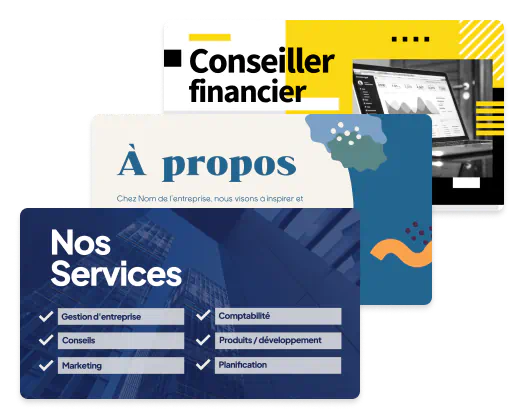
Create the perfect presentation
Getting a stunning presentation doesn't have to be a pain. In fact, you can create the perfect design in minutes. All you have to do is use the BrandCrowd presentation maker to find the perfect design for your business - simply start personalizing the fonts, colors and layout until you've got what you want. Express your brand identity with a presentation today.
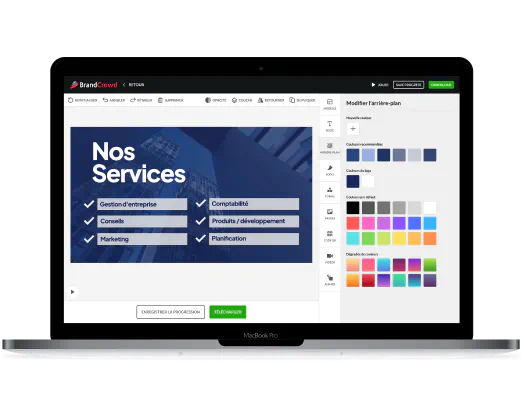
Get more than just a presentation design
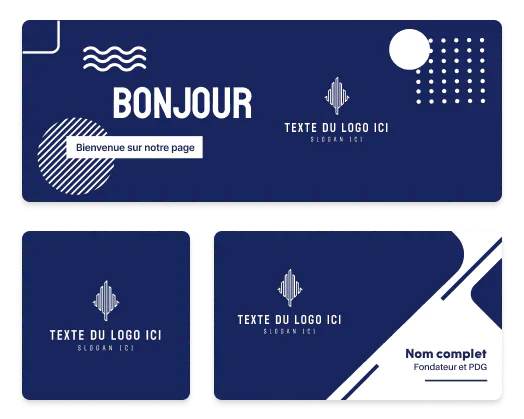
Looking to complete your marketing collateral checklist? BrandCrowd gives you more than just awesome presentations. With easy-to-use design tools, you can ensure your brand consistently looks its best across the web, social and print. Try our social media and print design tools today - you'll find everything you need to launch your business at BrandCrowd.
How to create a memorable Presentation
Not sure where to start? Need some help creating a great presentation? Here's a few bitesized tips from the pros:
Presentation colors
Did you know there's a whole world of color theory and psychology? As a business owner it pays to choose the right colors for your presentation. Whether you want to convey sophistication or you want your brand to appear cheeky, you need to get the color choice right. Colors are the key to nailing your brand message.

Presentation fonts
Your presentation won't stand a chance if the font falls flat. Your font selection helps convey meaning and brand personality. Clean, bold typography can help to re-inforce a trustworthy message, whereas a softer font can mean something less serious. Choosing the right font is vital to getting a great presentation.

Get Inspiration for your presentation
There's a lot of options when creating a presentation - choosing the right orientation, finish, style and colors depends on the message you want your presentation to convey - these are critical choices in the presentation design process. Get inspiration below.
Get started with BrandCrowd's presentation maker
Enter your business name and we'll start creating presentations in seconds...
Make your perfect presentation
Why should you use BrandCrowd to create your presentation?

Unique designs
Our 20,000+ designs have all been handcrafted by a community of top designers. Get a stunning presentation - always!
Free to use
BrandCrowd’s Presentation Maker is free to try. Browse thousands of different presentation, edit and save as many as you like.
It’s fast - create a logo in 2 minutes
Pick a design you like and start editing it. In minutes you can make a Presentation you will love.
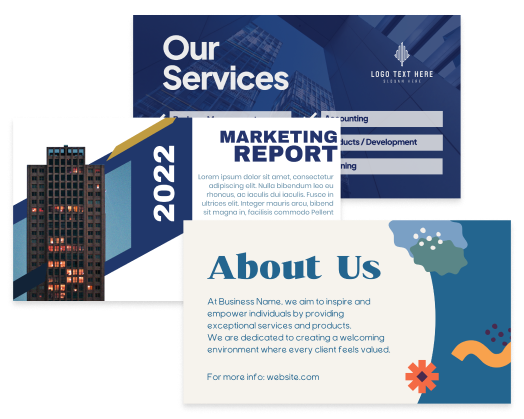
How do I make a presentation with BrandCrowd?
Creating the perfect presentation is easy with BrandCrowd. Follow these steps an you'll have a design ready to share with the world in no time.

1. Start searching:
To find presentation templates related to your business enter your business name - we'll show you designs relevant to your business. You can browse the presentations and choose one you like.

2. Refine your search:
Can't see the right presentation? No problem, you can refine your search by entering related keywords.

3. Edit your presentation:
One you've found a presentation design, you can customize all the colors, fonts and even the layout. You can add more flair with shapes and gradient colors.

4. Download your presentation:
When you're finished editing, you can download your presentation, instantly. You'll get all the files you need.
Get started with BrandCrowd's presentation maker
Enter your business name and we'll start creating presentations in seconds...
Frequently asked questions
Creating that perfect presentation with BrandCrowd is easy - but just in case, here's some FAQs to help you get started.