How To Write Welcome Emails That Define Your Brand
Looking to make a great first impression on your prospects? The key is having an attention-grabbing welcome email.
Think of them as the digital equivalent of a strong, firm handshake. It allows you to properly introduce your brand to your customer and set the tone for your future interactions.
Welcome emails are also one of the most powerful emails you can send. Just look at these numbers: 91.43% open rate, 26.9% clickthrough rate, and a 42% higher read rate compared to an average email!
Convinced of their power? We’ve got you covered. Today, we are here to teach you everything you need to know about making an engaging welcome email. And the good news is that these are all made easy with our logo maker tool and email signature maker.
Let’s get started!
Why Are Welcome Emails Important?
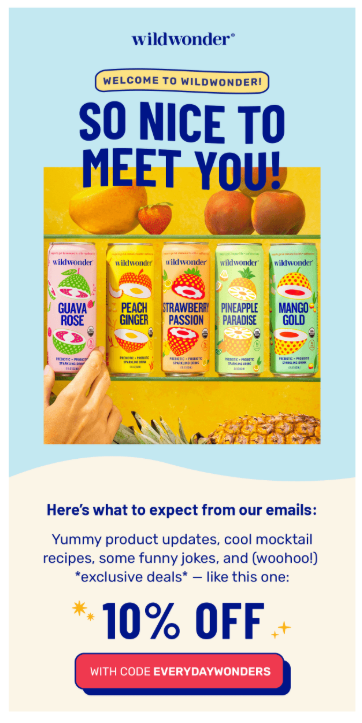
Welcome emails are not just a polite gesture but a powerful marketing tool.
They serve as a brand’s first impression. A well-written, beautifully designed welcome email signals that your brand is professional and takes care of even the smallest detail. It also shows that you care about your customers and appreciate their interest in your business.
Welcome emails also offer an opportunity to communicate the brand’s values, mission, and goals. You can use the email to share your story, introduce your product or service, or provide more in-depth information about your brand’s position in your industry.
Lastly, your welcome emails can help you reinforce your brand identity. Consistent branding, whether it’s the brand voice or color palette you use in your messages, can help strengthen brand recognition.
How To Write a Great Welcome Email
Let’s now move on to how you can craft an engaging welcome email for your email marketing campaigns. Some best practices are:
Craft compelling subject lines and preheaders
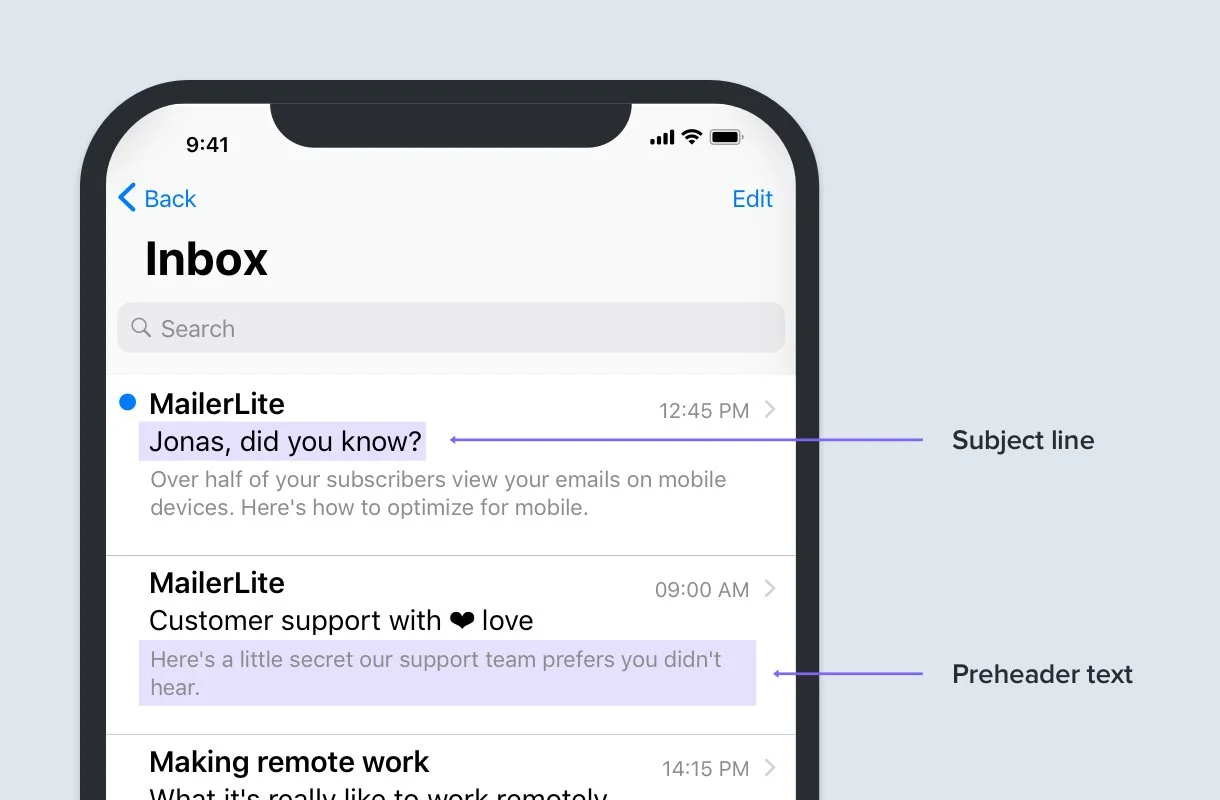
(Source: Retainful)
Your subject line and preheader are the first things your audience will see before they even open your email, so you must ensure they grab the recipient’s attention.
Some tips you can keep in mind are:
- Keep it short and sweet – Stick to no more than fifty characters for both. This ensures that it will be displayed properly regardless of the device and won’t get awkwardly cut off.
- Add a hook – Your subject line and preheader should instantly show why your audience needs to open the email. Use an intriguing question, a powerful declaration, a compelling stat, or the value they will get.
- Avoid using spammy words – Certain things can trigger the spam filter in your mail providers, so make sure you don’t use them. These are things like “Free,” “Cash Back,” “100% Guaranteed,” excessive use of symbols like “$$$” and “!!!” or all caps text.
- Use your brand voice – Messages that reflect your brand’s identity and personality stand out more compared to generic messages. Think of Nike’s “Welcome to the team, [Name]!” or Yellowbird’s “Your inbox just got a little hotter 🌶” versus a plain “Thank you for subscribing.” You’ll definitely open the first one, right?
- Use emojis wisely – Emojis can help add personality to your email and make them pop in a sea of black text. They can also increase your open rate by 56%. However, make sure they fit the context of your message and that you limit it to no more than three to avoid looking spammy.
Personalize your message
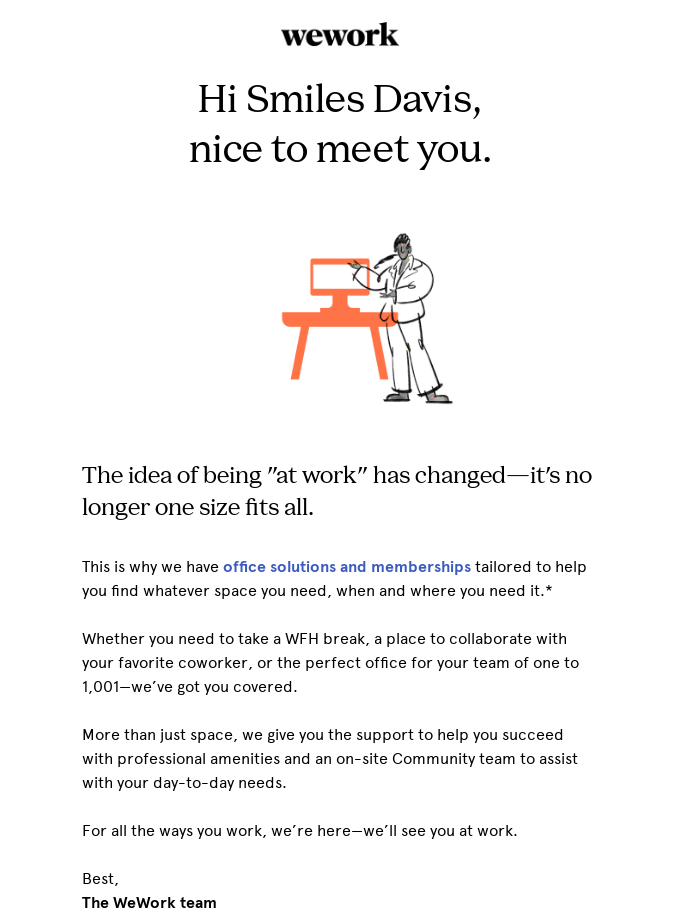
Personalized emails drive higher engagement, click-through rate, and conversions compared to generic, non-personalized emails.
Personalized emails go beyond a simple “Welcome, [Name].” You can also make them more personal by referring to how they joined in the first place. For example, one can receive a “Thanks for signing up for our newsletter,” while one can get “Thanks for creating an account.”
Next is to tailor content based on their user behavior. Your audience should get different emails based on their location, device, shopping history, or gender.
Try to use a warm and conversational tone instead of a stiff and overly formal one. Write as if you’re talking directly to the person instead of addressing a group.
Make it mobile-friendly

Over sixty percent of emails are opened on mobile devices. That means if your welcome email isn’t optimized for phones and tablets, you’re losing engagement right from the start.
So, how do you make them mobile-friendly? The answer is responsive design. This ensures that your emails will automatically adapt to the screen size you view them on.
Next is to make your paragraphs short and scannable. Your phone has only so much visual space, so don’t overload your audience with long blocks of text. Instead, break it up by using bullets, numbers, or images, and making sure there is plenty of white space in between.
Your links, buttons, and forms need to be easily tappable, too. Again, leave enough space to avoid misclicks.
Last is to test your emails out across different devices before sending them. To preview your messages, you can use email marketing tools like Litmus, MailChimp, or GetResponse.
Incorporate clear calls-to-action (CTAs)
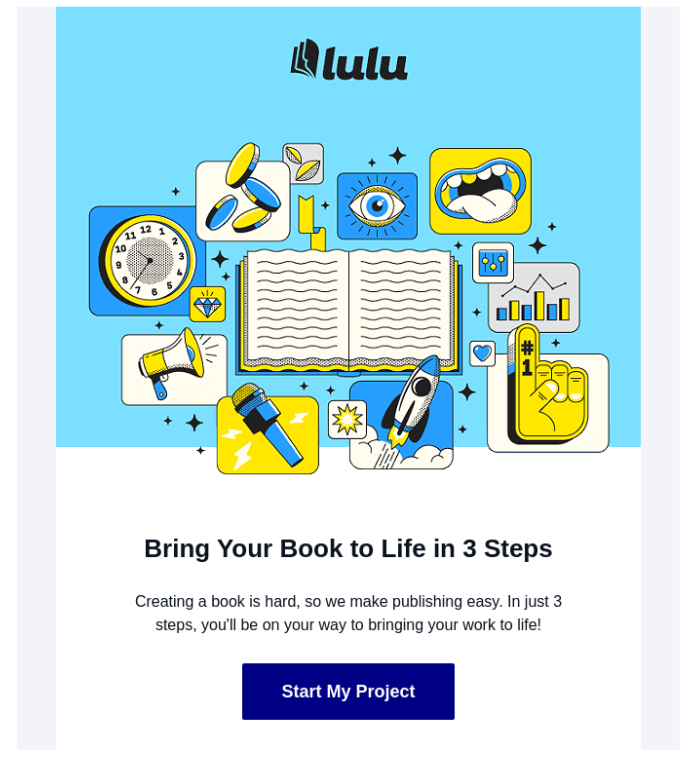
Your welcome email template is not just for saying hello but also for nudging your customers to take the next step.
Guide them on what you want them to do after reading your message–whether it’s following you on social media, adding an item to the cart, or exploring the rest of your website. Before sending your welcome emails, ensure they’ll actually reach your subscribers’ inboxes by using an SPF generator to configure your email authentication settings properly. Most modern email software makes it easy to embed multiple CTAs and track which ones get the most engagement from your audience. As we all know, one of the famous software platforms is ActiveCampaign, which tracks CTAs, or you can explore other email marketing tools like ActiveCampaign for your successful campaigns.
How do you make your CTA’s effective? First is to use clear and action-oriented words. CTAs like “Download Your Free Guide,” “Get 20% Off Now,” or “Start Your Fitness Journey” are more inviting than a simple “Click Here.”
The placement and design matter as well. Make sure the CTA button is visible and eye-catching. Place it in the center, use a bright color, or contrast it with a different colored background to make it more attention-grabbing.
Consider the timing and frequency of your emails
(Source: Campaign Monitor)
Timing is everything. The best time to send a welcome email? Immediately. Leveraging an email API allows you to automate this process, ensuring emails are sent right when they’re most impactful.
This is because 74% of customers expect a welcome email as soon as they subscribe. New leads are also the most engaged during the first 48 hours of subscribing. Sending your welcome emails as soon as you can should help you leverage their peak interest.
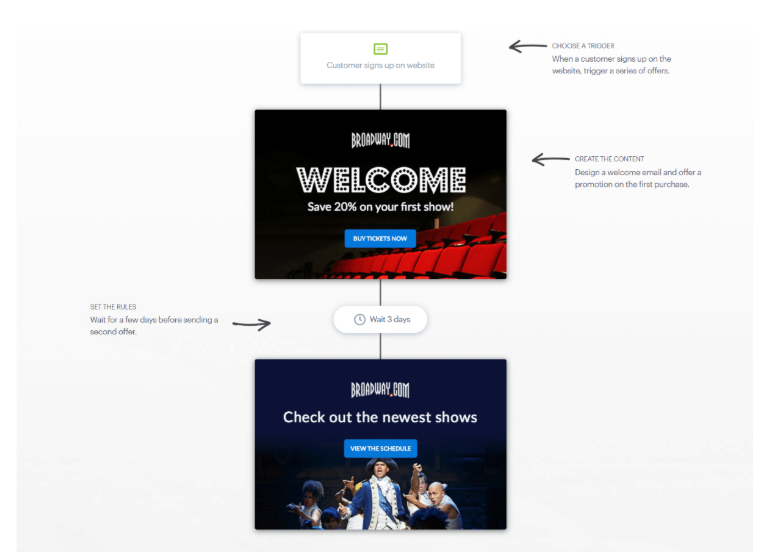
You also don’t need to be limited to just one email. According to Campaign Monitor, it’s best to send emails in the first three days while taking into account your customer’s previous action.
For instance, if they browsed for winter clothes, you can email them about your current offering and then send them a discount voucher after three to five days. Consider using platforms designed for bulk cold email and automated follow-ups, such as Saleshandy, Smartlead and QuickMail, to easily set up multi-stage sequences over this period. To ensure your welcome emails reach the inbox and maintain high deliverability rates, it’s also wise to use an email warmup tool before launching your automated sequences. You can also check for potential deliverability issues with an EasyDMARC email deliverability checker, helping identify problems that could prevent your emails from reaching subscribers’ inboxes.
This should help nurture and maintain their interest in your brand. However, don’t spam them with too many emails, as it can annoy them and cause them to lose interest.
Test and optimize
Even the best welcome email strategy can fail. Monitor important metrics like open rates, clickthrough rates, conversion rates, unsubscribes, and bounce rates to see if your email campaigns are performing as planned. Incorporating special offers such as a Gusto discount in your emails can also help boost engagement and conversion rates.
A/B testing should also be done to optimize your emails further. For example, you can compare different subject lines or colors of CTA buttons and see which one your audience likes more.
Want deeper feedback? You can also ask your subscribers for their preferences via a quick survey, social media poll, or feedback form. This not only helps you collect data but also signals to your customers that you care about their opinions and thoughts.
Craft a Strong Welcome Email With BrandCrowd
Welcome emails are your chance to make a memorable first impression, so you need to make them count.
Aside from the tips above, paying attention to your email’s visuals can make it stand out more.
BrandCrowd can help you in that area. Check out our tools, like our spring email signature or construction email signature, to spice up your messages.
Here are other beautifully designed email signature templates you can customize now:
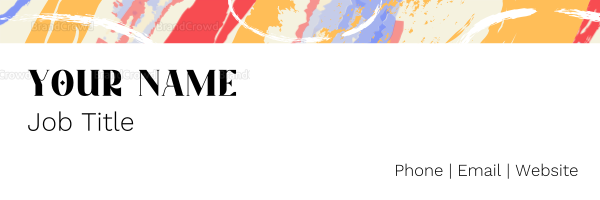
Abstract Brush Stroke by BrandCrowd
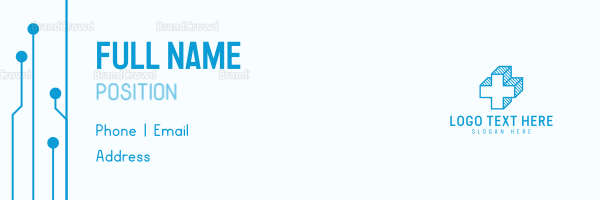
Modern Circuit Tech by BrandCrowd

Modern Business Pattern by BrandCrowd
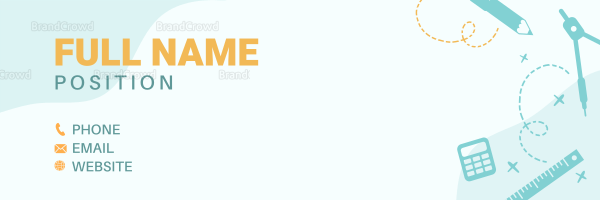
Dreamy School Supplies by BrandCrowd
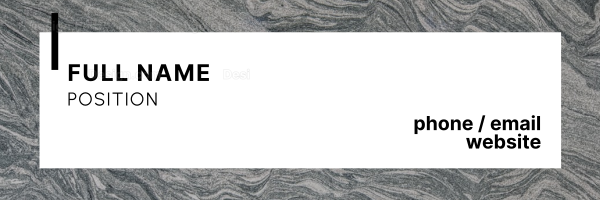
Granite Modern Aesthetic by Design
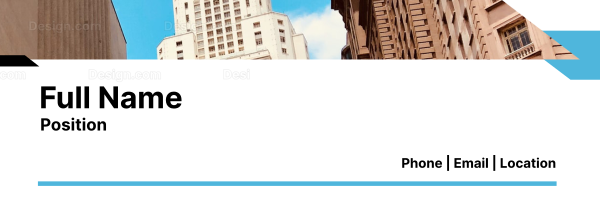
Timeless Architectural Elegance by Design
In addition to your signature and logo, you can add other elements like videos, animations, or letterhead to make your email more visually appealing.
We also have an article on email design tips and how to create a great email signature that can help you.
Check them out today!
FAQs About Welcome Emails
- Why should I send a welcome email?
Sending welcome emails can help you make a great first impression, reinforce your brand identity, and give your audience more information about your product, company, or mission. You can also include some discounts or freebies to incentivize your audience to explore more about your business.
- How long should a welcome email be?
It depends on your brand, goals, and industry. However, a good rule of thumb is around 300 words.
- How can I make a welcome email visually appealing?
You can do so by using beautiful and professionally designed email templates, plus adding visual elements like logo, email signature, images, GIFS, or videos. You should also consider your typography and color palette and make sure they align with your brand for a more cohesive and visually harmonious design.
Faviola Publico is an SEO Content Writer specializing in branding and digital marketing strategies. Outside of work, she enjoys reading slice-of-life novels and watching any mystery thriller-themed series.
Original Artwork by Khim John Blazo