What Is a Vector File and How Is It Used
Have you ever zoomed in on a logo or image, only to watch it fall apart into blurry squares? It happens all the time, and it is one of the most common design issues people encounter.
The reason this happens is simple. Not all image files are built the same. Some are designed to stretch and scale forever, while others break down the moment you resize them. That is where vector files come in.
Vector files are one of the most important building blocks in design, especially for logos, illustrations, and brand graphics. Designers use them every day, printers depend on them, and brands rely on them to maintain their visuals’ sharpness everywhere.
In this guide, we will break everything down in a way that is easy to understand. You will learn what a vector file is, why it matters, how it is used, and which formats you should know about.
What Is a Vector File?
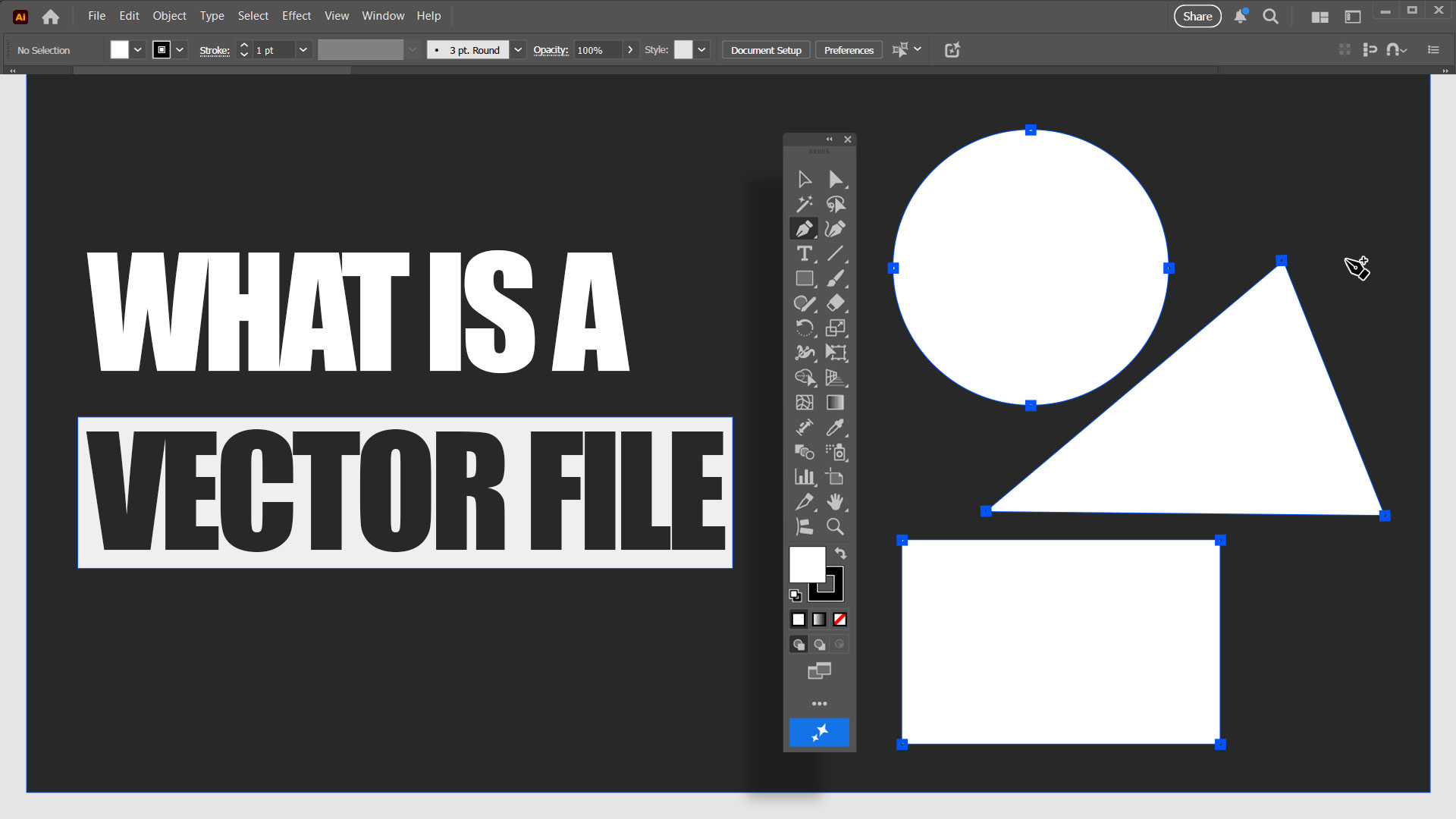
A vector file is a type of digital graphic that is created using mathematical formulas instead of pixels.
Instead of being made up of tiny colored squares like photos, vector files are created using points, lines, curves, and shapes. Mathematical formulas control these elements. Because of this, vector graphics can be resized to any size without losing quality.
You can create a vector image as small as an app icon or as large as a billboard, and it will still look clean and sharp.
This is very different from raster files such as JPEG or PNG. Raster images are made from pixels. When you zoom in or stretch them too much, you start seeing those pixels, and the image becomes blurry.

Here is a simple way to remember it.
- Vector files are flexible and scale forever.
- Raster files are fixed and lose clarity when enlarged.
That is why vector files are the standard for logos, icons, illustrations, and branding graphics.
Why Vector Files Matter Especially for Logos
Vector files are not just nice to have. They are essential for professional design, especially when you are creating or using a logo.
A logo needs to work everywhere. It needs to look good on a website, on social media, on packaging, on business cards, and even on large signs. Only vector files can do this properly.
Here is why vector files matter so much:
- Scalability: A vector logo can be resized from a tiny favicon to a massive poster without losing clarity or quality. This means you only need one logo file for every size you will ever need.
- Editing flexibility: Colors, shapes, and text can be changed at any time without damaging the quality. You are not stuck with a flattened image.
- Print-ready quality: Printers and large-format displays often require vector files for optimal output. They produce clean lines and sharp edges at any size.
- Brand consistency: A single vector logo can be used across both digital and print platforms. This ensures your brand maintains a consistent appearance everywhere.
This is also why platforms like BrandCrowd use vector logo templates. When you create a logo using our platform, you are not just getting an image for today. You are getting a design that can grow with your brand. The same vector logo can be used for various purposes, including Instagram posts, Facebook graphics, flyers, packaging, and more.
Common Vector File Formats
Not all vector files are the same. There are several formats that you will often see, and each one serves a different purpose.
Here are the most common vector design file formats you should be familiar with.
SVG (Scalable Vector Graphics)
SVG stands for Scalable Vector Graphics. It is one of the most widely used vector formats today, especially on the web. Unlike image files such as JPG or PNG, an SVG file can scale to any size without becoming blurry or pixelated. This makes it perfect for modern websites that need to look good on phones, tablets, laptops, and large monitors.
Many large tech companies use SVG for their website logos and icons. Google, for example, uses SVG for the letter G logo on its homepage, so it stays sharp no matter what device you are using.
AI Adobe Illustrator File
AI files are the native file format for Adobe Illustrator, one of the most popular design tools in the world. Professional designers primarily use this format because it allows every part of a design to be fully editable. Shapes, text, colors, and paths can all be changed at any time without losing quality.
When a logo is first created, it is often designed in AI format. From that master file, designers export other formats, such as PNG, JPG, SVG, or PDF. If you ever need to update a logo or change brand colors, the AI file is typically the one people request.
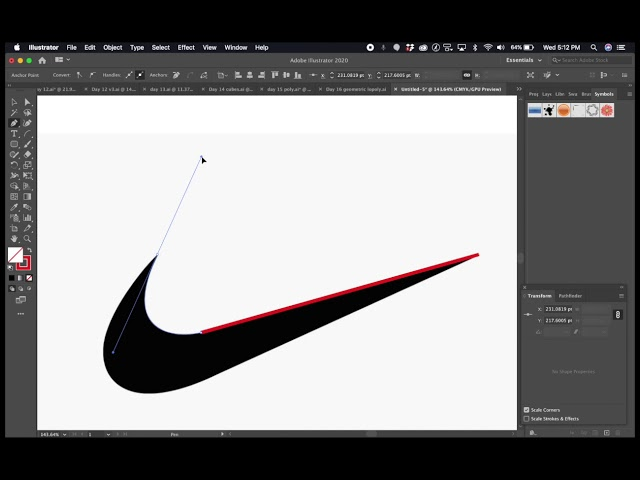
Global brands like Nike and Adidas typically store their original logo files in AI format, allowing designers to easily adapt them for campaigns, packaging, and new products.
EPS (Encapsulated PostScript)
EPS stands for Encapsulated PostScript. It is an older vector format, but it remains very common in the printing industry. Many printers and manufacturers prefer EPS files because they are reliable and compatible with various systems.
EPS files are handy for large-scale printing such as banners, signage, posters, and packaging. They maintain clean edges and consistent colors, even at huge sizes. While EPS files are not as flexible for editing as AI files, they are trusted for final production.
Large beverage brands, such as Coca-Cola, often send their logo artwork to print factories as EPS files to ensure consistent printing across different countries.
PDF (Portable Document Format)
PDF files are one of the most versatile formats in design. A PDF can contain vector graphics, text, and images all in one file. This makes it easy to share designs without worrying about software compatibility. Furthermore, their functionality isn’t limited to sharing designs. Businesses can create modern brand kits with interactive text fields that allow users to fill out PDF forms, write custom project summaries, or sign license agreements directly in the document
Many logo packages include a vector PDF because it can be opened on almost any device. As long as the design inside the PDF is vector-based, it will stay sharp when zoomed in or printed. PDFs are also commonly used for brand guidelines and marketing materials.
Companies like Apple often provide official logo downloads and brand guideline documents as PDFs that include vector logos.
You can check out this Apple style guide from June 2025.
Other vector formats
There are a few other vector formats you may come across, such as CDR, WMF, or EMF. These formats are usually tied to specific software or older systems. You do not need them often, unless a tool or printer specifically requests one.

CDR files are used by CorelDRAW, a software still widely used in some print shops.
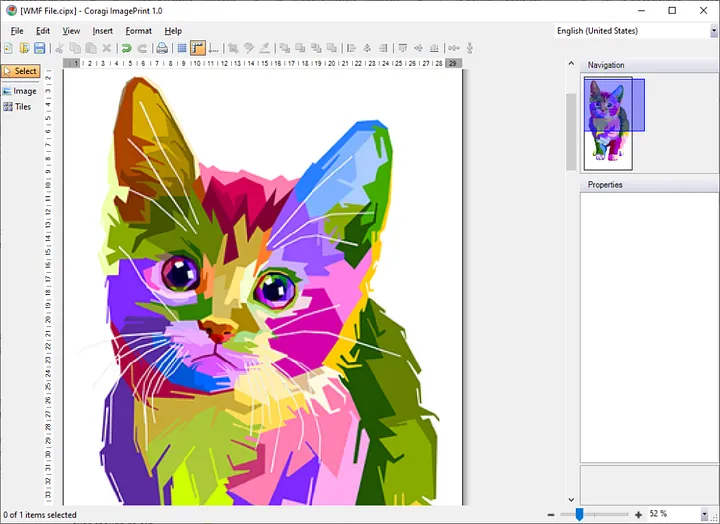
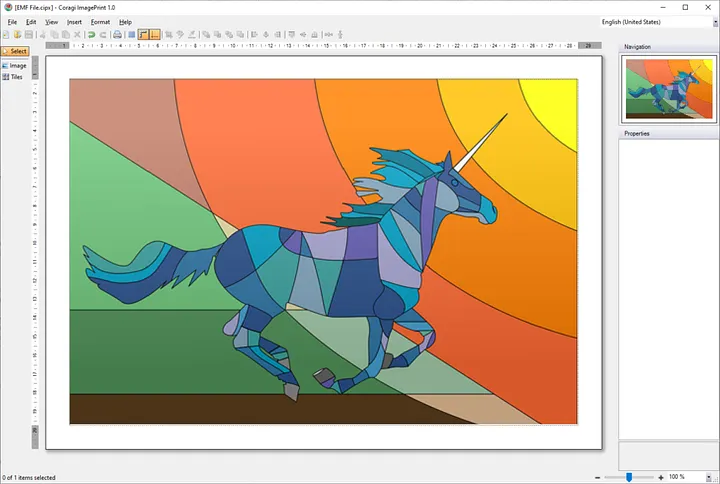
WMF (Windows Metafile) and EMF (Enhanced Metafile) are older Windows-based vector formats primarily used in legacy documents or office applications.
Vector Format Logos: What They Are and Why They Are Essential
A vector logo is simply a logo that is saved in a vector file format.
This means the logo can scale up or down without becoming blurry. Whether it is printed on a pen or placed on a billboard, it will always look sharp.
When someone requests a logo in vector format, they are typically seeking one or more of these file types.
- AI: For designers who want full editing access
- SVG: For websites and digital platforms
- EPS: For Print Shops and Manufacturers
- PDF: For easy sharing while keeping vector quality
These formats are what designers, printers, and agencies rely on. Raster images, such as PNG or JPEG, are ideal for previews, but they are insufficient for professional use.
This is why getting your logo in vector format from the start is so important. It saves time, avoids redesigns, and ensures your brand always presents a professional image.
How To Open and Edit Vector Files
Many people think vector files are hard to open or edit, but they are actually very accessible once you know the tools.
Here are the most common methods for working with vector files.
- Professional tools: Adobe Illustrator and CorelDRAW are the most powerful tools for editing vector files. They support AI, EPS, SVG, and PDF formats.
- Free tools: Inkscape is a popular free vector editor. It works well for SVG files and basic vector editing.
- Browser viewing: Many vector files, especially SVG, can be opened directly in a web browser. You can view them without needing to install any software.
- Conversion tools: Online converters and design platforms can export vector files into other formats. This is useful when you need a PNG or JPG version for social media. If you need a more widely compatible image for sharing or uploading, you can use an SVG to PNG converter to turn scalable vector graphics into raster images while preserving the design’s appearance.
If you’re unsure whether a file is truly a vector, try zooming in. A real vector file will stay sharp no matter how close you zoom. A raster image will start to look blocky or blurry.
Best Vector File Format: Which Should You Use?
There is no single best vector format for every situation. The right choice depends on how you plan to use the file.
Here is a simple breakdown to help you make a decision.
- SVG for web and digital use: SVG files are small, fast-loading, and perfect for websites. They scale perfectly on all screen sizes and support animation and interactivity. If you’re just starting out and want to understand how to properly implement SVG graphics in your projects, learning web development and design foundations with HTML5 will give you the technical foundation needed to work with vector images effectively across browsers.
- AI for professional design work: If you are working with designers or plan to edit your logo often, AI files are ideal. They keep every element fully editable.
- EPS for print systems: Many printers still require EPS files because they are compatible across various systems and machines.
- PDF for sharing: PDF files are easy to send and open on almost any device. They can hold vector data while being simple to use.
Think about where your logo or design will appear: web, print, editing, or sharing. Choose the format that matches your needs.
Conclusion
Vector files are the foundation of professional design. They give you flexibility, quality, and confidence that your visuals will look great everywhere.
Whether you are creating a logo, building a brand, or designing graphics for web and print, understanding vector files makes everything easier. You avoid blurry images, save time, and future-proof your designs.
If you are designing a logo using BrandCrowd, working with vector files ensures your logo is ready for any application. From websites and social posts to print materials and merchandise, one vector logo can do it all.
Once you start using vector files, you will never want to go back to resizing blurry images again!
Read more about logo design:
- 10 Striking Neon Color Combinations for Logo Design
- What Is a Dynamic Logo?
- Top Logo Design Trends in 2026
FAQs About Vector File Formats
What is the difference between vector and raster files?
Vector files use math-based shapes and scale infinitely. Raster files use pixels and lose quality when enlarged.
Is PNG a vector file?
No. PNG is a raster format. It can support transparency, but it will still pixelate when resized.
Can I convert a JPEG to a vector file?
You can convert it, but the result is not always perfect. Clean logos work better than photos when converting.
Do I need a vector logo for social media?
You usually export social media images as PNG or JPG, but starting with a vector logo ensures the best quality.
Which vector format should I send to a printer?
Most printers accept EPS or PDF files. It is always best to ask what they prefer.