How to Design a Blog with AI Tools
Designing a blog used to take weeks, a web designer, and a budget that most creators did not have. Today, AI tools handle a big chunk of the process in a fraction of the time, and you do not need any design experience to get a great result.
This guide walks you through exactly how to use AI to plan, design, brand, and optimize a blog from the ground up. Whether you need help with logo design or full page layouts, the steps here will help you move faster without cutting corners.
What It Means to Design a Blog With AI
AI blog design is the process of using artificial intelligence tools to help you make decisions about your blog’s layout, visual identity, content structure, and search optimization. It is not about generating a finished website with one click.
Think of AI as a fast, tireless collaborator. It can produce layout ideas, suggest color palettes, draft metadata, and flag readability issues in minutes. The decisions about what fits your brand, your audience, and your goals still belong to you.
Here is what AI can genuinely help with:
- Blog layout planning and wireframes
- Color palette and font pairing suggestions
- Logo and brand kit creation
- AI-generated images and graphics
- Content structure and organization
- SEO support, including keywords, metadata, and heading structure
- Readability and accessibility checks
Your Step-by-Step Guide to AI Blog Design
Here are eight steps to design a blog with AI tools. Each one builds on the last, so following them in sequence will save you time and rework down the line.
Step 1: Define your blog goals before touching any tool
AI tools are only as useful as the direction you give them. If you start with vague inputs, you will get vague outputs.
Before opening any tool, get clear on the following:
- Who is your target reader? Be specific. “Small business owners who want to improve their online presence” is more useful than “people interested in marketing.”
- What is your blog for? Is it a content hub, a lead generator, a portfolio, or a mix?
- What are your main content categories? List three to five topics you will cover consistently.
- What do you want readers to do? Subscribe, book a call, buy a product, or simply come back for more?
- What is the reader’s journey? Think about how someone finds your blog, what they read first, and where they go next.
Write these down before you move to Step 2. They will inform every decision you make, from layout to color palette to CTA placement.
Step 2: Choose the right AI tools for each job
No single AI tool does everything well. Knowing which tool to use for which part of the process keeps things efficient and produces better results.
AI website builders
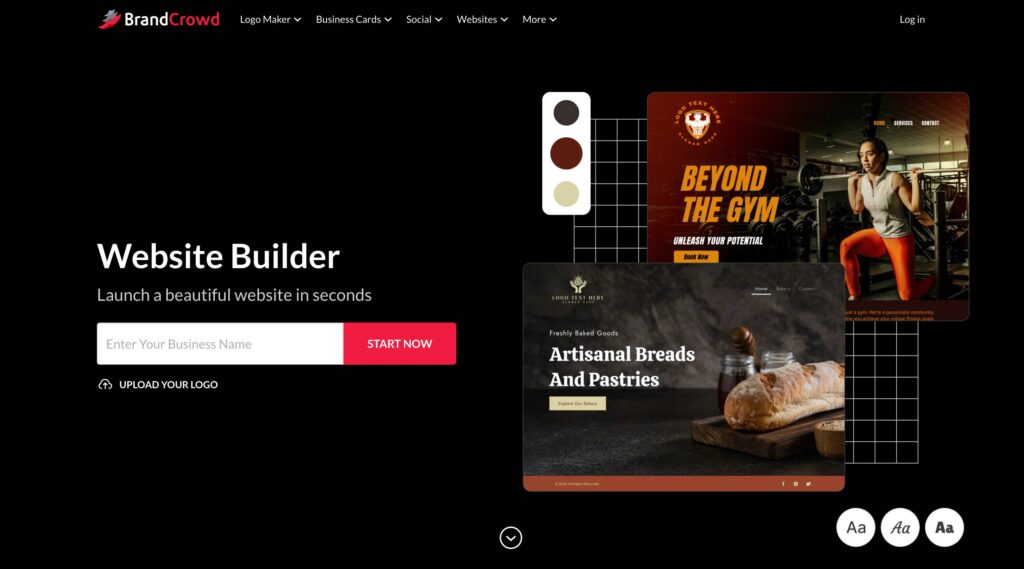
BrandCrowd’s website builder is one of the strongest starting points for bloggers who want to build a website from a brand-first perspective. Instead of starting with a template, it starts with your visual identity and builds outward, which means your site looks cohesive from day one rather than something you patch together later.
Another tool that can be used is Design.com’s AI website generator. It uses AI to generate a website structure tailored to your goals, industry, and style preferences, so you get a working foundation quickly without writing a single line of code.
Other options worth exploring include Squarespace, WordPress, and Webflow, depending on your design preferences and technical comfort level.
AI design tools
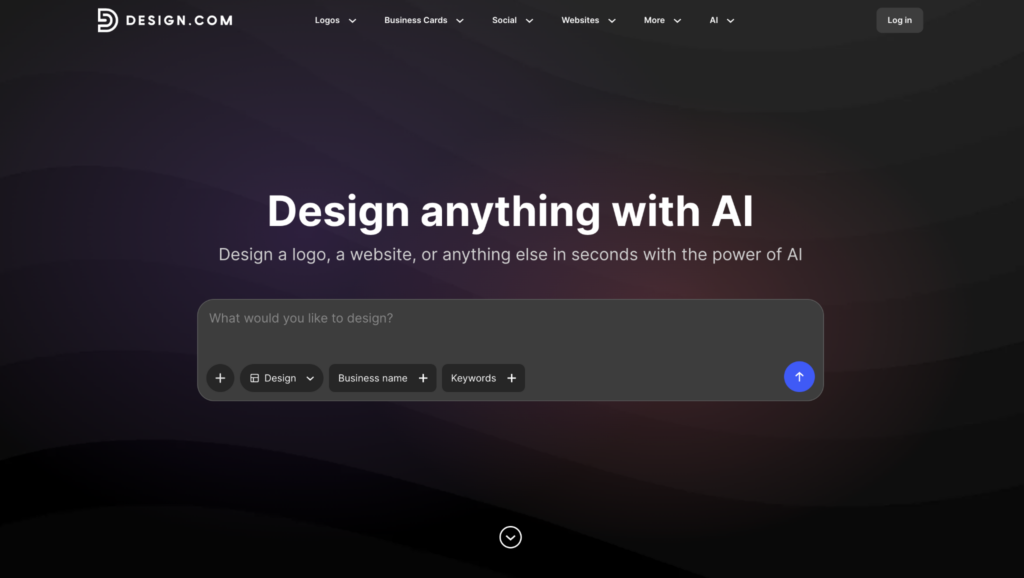
Design.com earns its place here, too, but for a different reason than its website-building capability. Its design tools let you create posters, banners, flyers, and more marketing materials that stay consistent with the site you already built inside the platform.
BrandCrowd works differently as a design tool. It gives users a space to create standalone graphics, social media visuals, and other branded content that can be used across any platform.
For general graphic design needs, Adobe Photoshop and Figma are widely used alternatives worth looking into.
AI writing assistants
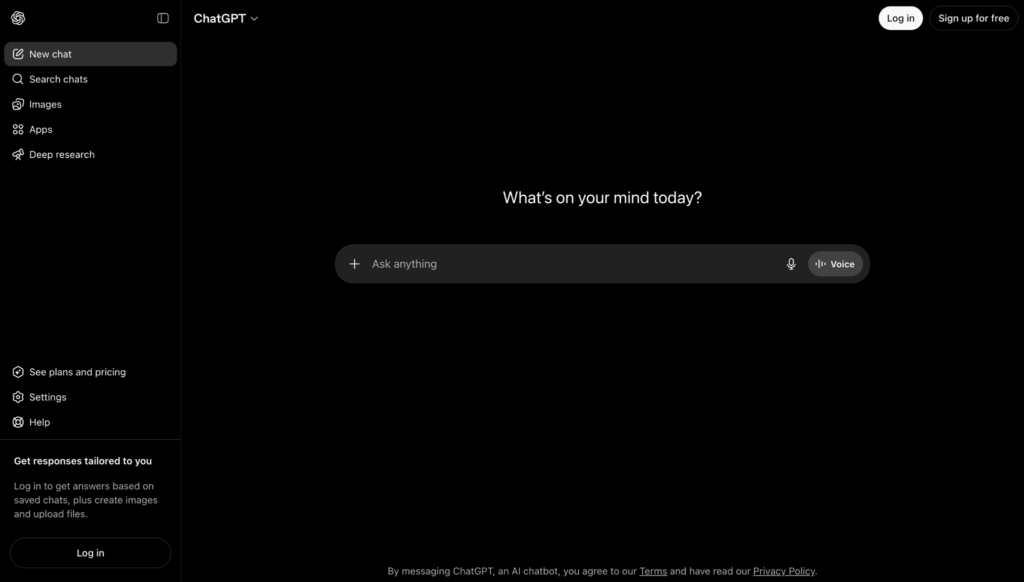
AI writing assistants are useful at almost every stage of the blog design process, not just when you are writing posts. They can help you draft page copy, write meta descriptions, generate post outlines, refine your brand voice, and suggest how to structure your navigation based on your content categories.
The best approach is to use these tools for first drafts and structural suggestions, then rewrite in your own voice. Popular options include ChatGPT, Claude, Jasper, and Notion AI.
AI image generators
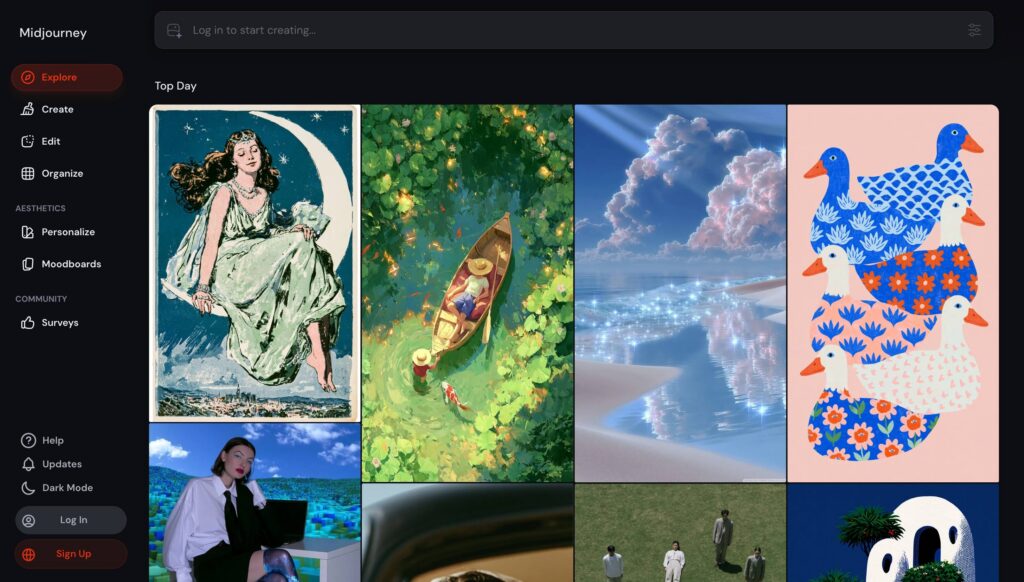
Stock photos are recognizable, and readers have learned to tune them out. AI image generators let you create custom designs based on text prompts, which means your blog imagery can reflect your content and brand rather than looking like every other site in your niche.
Always check the licensing terms for any AI-generated image before publishing, as usage rights vary by platform. Midjourney, Adobe Firefly, DALL·E 3, and Ideogram are all worth looking into, depending on your image style needs.
AI SEO tools
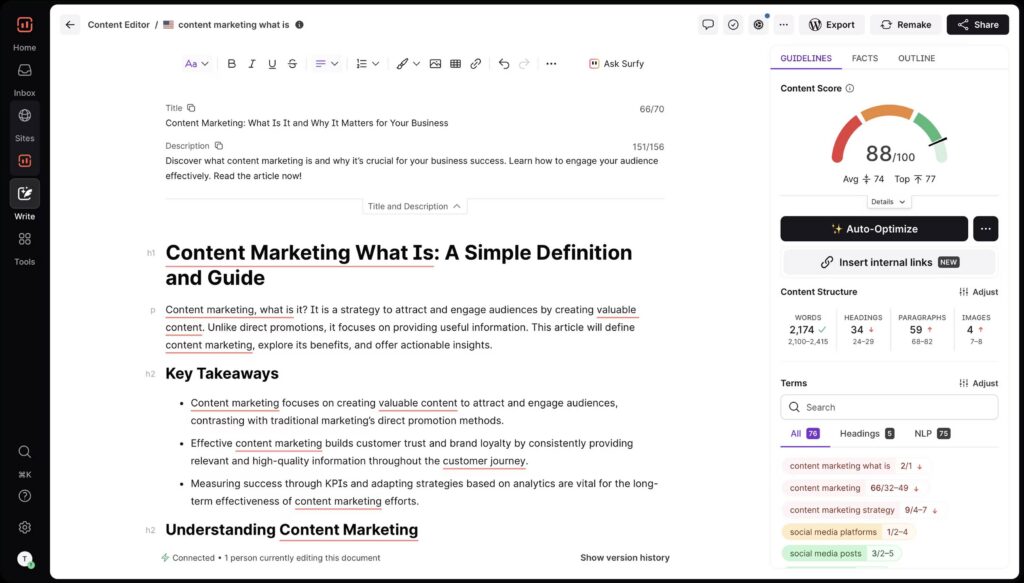
SEO is not something you add to a blog after it is built. The tools in this category help you make decisions during the design and content planning stages so your blog is set up to rank from the start rather than retrofitted for search later.
Use these tools to inform your blog structure, not just your post content. Surfer SEO, Semrush, Ahrefs, and Frase are among the most widely used options in this category.
AI wireframing tools
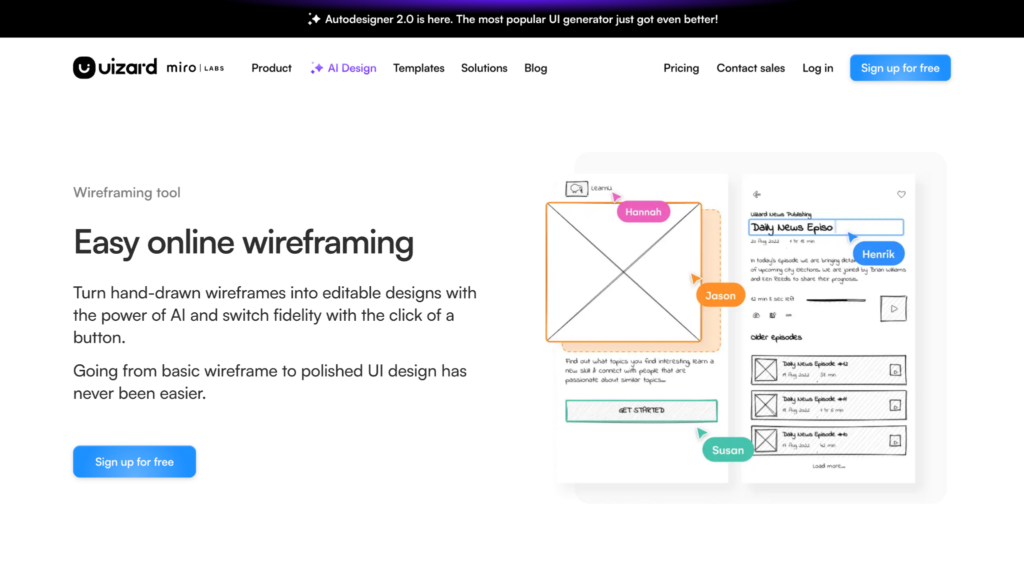
Wireframing is the step most bloggers skip, and it is also the step that prevents the most rework. AI wireframing tools let you generate basic page layouts from a text description so you can test structural ideas before committing to a build.
Spending even an hour on wireframes before you start building will save you significantly more time later. Uizard, Relume, and Whimsical are all beginner-friendly options that work well for blog layout planning.
Product Description
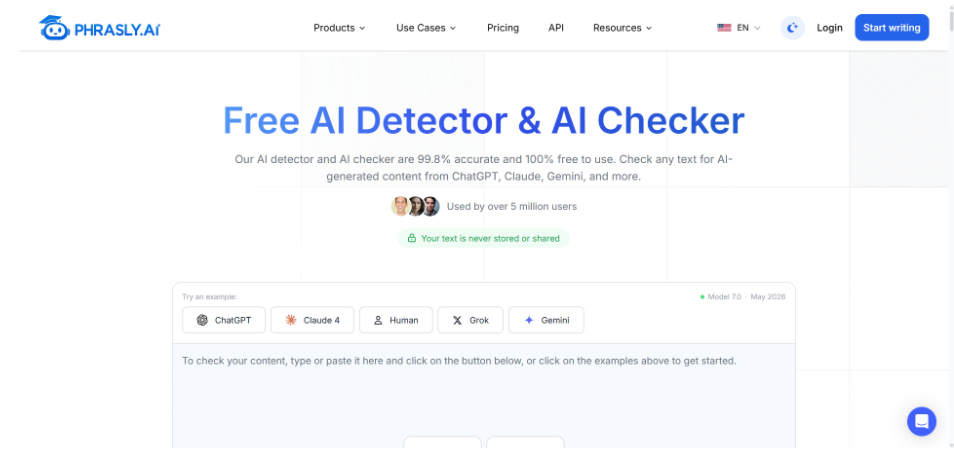
Phrasly AI Detector
Once you’ve used AI to help create a blog, it’s worth reviewing the draft before publishing it. Phrasly AI Detector is a free AI content detection tool that can help students, educators, editors, and content teams identify writing that may have been generated or heavily influenced by AI.
What sets it apart from standalone detectors is its integration with Phrasly’s broader writing suite. Users can move between AI detection, plagiarism scanning, humanizing, and paraphrasing inside a single dashboard without switching tools or exporting drafts between platforms.
Whether you’re an educator verifying student submissions, an editor reviewing writer output, or a content team maintaining originality standards across a large publishing workflow, Phrasly AI Detector gives you a fast, no-signup way to check content before it goes anywhere.
AI brand kit tools
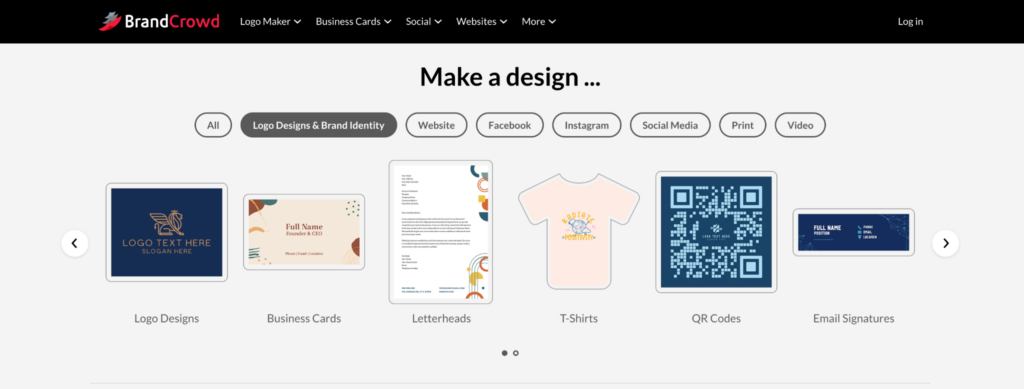
BrandCrowd is the go-to here. Its brand kit builder generates a logo, color palette, and font set tailored to your industry, tone, and audience, resulting in a cohesive brand identity rather than a collection of disconnected assets.
Design.com also has the same process. Instead of creating brand assets separately and then applying them to your site, everything is developed together, which means your logo, colors, and fonts are already integrated into your site design by the time you finish.
For bloggers who already work inside Adobe or Google’s ecosystem, Adobe Express and Google Slides both offer basic branding features that can serve as a starting point. If your blog is part of a larger product and the AI features need to be production-grade rather than experimental, working with a team that offers Gen AI development services early on keeps the prototyping, evaluation, and rollout from drifting apart once the blog starts driving real traffic.
Step 3: Plan your blog layout and structure
A good layout makes it easy for readers to find what they need and keeps them on your site longer. AI tools can help you map this out before you build anything, which saves a lot of rework later.
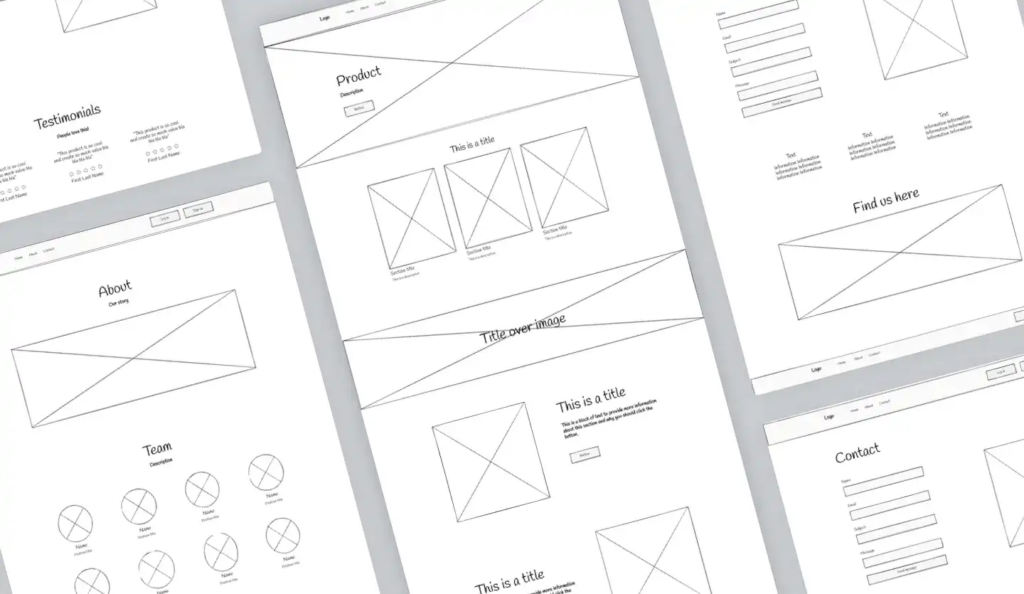
Homepage
Your homepage should immediately tell visitors what your blog is about, showcase your best or most recent content, and guide readers toward your main categories. Ask your AI tool for suggestions on the homepage structure based on your blog topic and audience.
Core layout elements to plan
- Featured posts section to highlight your best content
- Category or topic filters so readers can self-sort
- Article cards with clear titles, images, and short descriptions
- Search bar placed where readers can find it easily
- Related posts at the end of each article to reduce bounce rate
- Email signup or CTA placed above the fold and repeated at the end of posts
Sidebar vs. no sidebar
Most modern blogs perform better without a sidebar. Sidebars can create visual clutter and distract readers from the main content. That said, AI wireframing tools can help you mock up both versions so you can compare before deciding.
Blog post template
Every post on your blog should follow the same structure. A strong blog post template typically includes a featured image, a clear H1 title, a short intro, organized H2 and H3 subheadings, a CTA, and a related posts section. Use an AI writing assistant to draft a template you can reuse across all your content.
Step 4: Build your visual brand with AI
Your blog’s visual identity is what makes it recognizable. AI can help you explore directions quickly, but the final brand decisions should always reflect your own judgment about what fits your audience and your goals.
Color palette
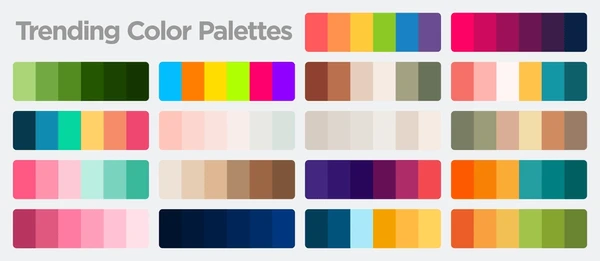
Use an AI brand kit tool to generate palette options that match your blog’s tone. A wellness blog and a B2B marketing blog have very different visual personalities. Give the tool context about your niche and audience, and it will surface combinations you might not have considered on your own. You can then apply the palette to an AI-generated image to preview how the colors will look across hero graphics, social posts, and other blog visuals.
Font pairings
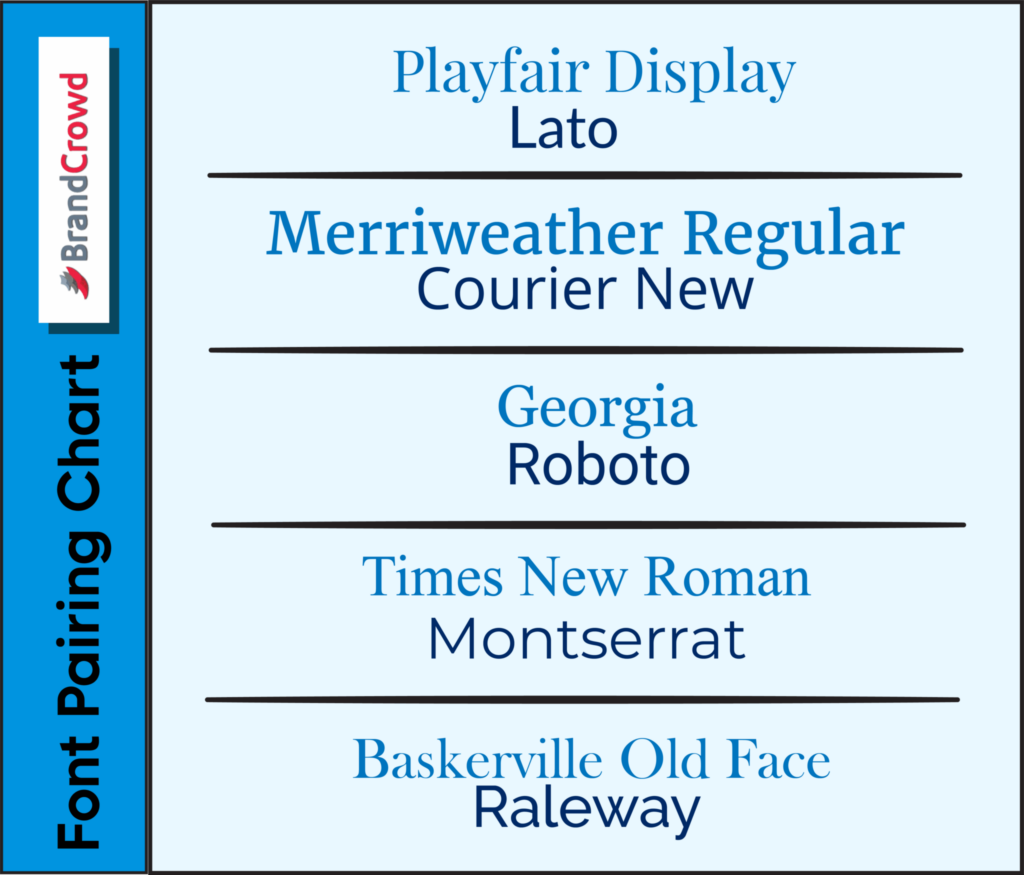
Fonts communicate personality before a reader processes a single word. AI tools can suggest font pairings that balance readability with visual character. A common approach is to use one serif font for headings and one sans-serif font for body text.
Image style and icons
Decide on an image style early and stick to it. Whether you use photography, illustrations, or AI-generated visuals, consistency matters more than individual image quality. The same applies to icons. Mixing styles across a blog makes it look unfinished.
Brand consistency across pages
Readers trust a blog more when everything looks like it belongs to the same brand. Apply your brand kit across every page, not just your homepage.
Step 5: Write smarter AI prompts to get better results
The quality of your AI output depends almost entirely on the quality of your AI prompt. Vague prompts produce generic results. Specific prompts produce useful ones. As AI becomes more capable, Enterprise AI agents can also help businesses handle more complex workflows by connecting information.
What to include in every prompt
- Your target audience and their main goal
- Your blog’s tone and visual style
- The specific element you are working on
- Any constraints like mobile-first, accessible colors, or minimal design
Here are some sample prompts that you can use:
- For layout: “Suggest a clean, minimal blog homepage layout for a freelance copywriter targeting small business owners. Include a featured post section, three category cards, an email signup above the fold, and a simple footer.”
- For branding: “Generate five color palette options for a personal finance blog targeting millennials. The tone should feel approachable and modern, not corporate or intimidating.”
- For SEO: “Suggest a heading structure and FAQ section for a blog post about how to start a podcast. The target reader is a beginner with no technical background.”
- For readability: “Review this blog post layout and suggest changes to improve scannability, mobile readability, and CTA placement.”
The more context you give, the more tailored the output. Always treat the first result as a draft and ask for variations before settling on anything.
Step 6: Optimize for readability and user experience
A well-designed blog is one people actually want to read. That means clear structure, enough white space to let the content breathe, and a layout that works just as well on a phone as on a desktop.
Readability basics
- Use one idea per paragraph and keep paragraphs to three sentences or fewer
- Break up long sections with H3 subheadings so readers can scan
- Use bold text to highlight key points, not entire sentences
- Leave enough white space between sections so the page does not feel dense
Mobile-first design
Over half of blog traffic comes from mobile devices. A layout that looks great on a desktop but breaks on a small screen will cost you readers. Ask your AI tool to specifically flag any mobile usability issues, and test your final layout on a real phone before going live.
Accessibility
Accessible design is not a bonus. It affects who can use your blog and how search engines interpret your content. Check that your color contrast meets accessibility standards, your font size is readable on small screens, and every image has descriptive alt text.
If your blog uses AI-generated content, you can also learn how to humanize AI text to make the writing feel more natural and reader-friendly.
CTA placement
Every blog post should include at least two CTAs. One above the fold or early in the post, and one at the end. Ask your AI tool to suggest natural CTA placements based on your post structure and reader goal.
Step 7: Make your blog SEO-friendly from the start
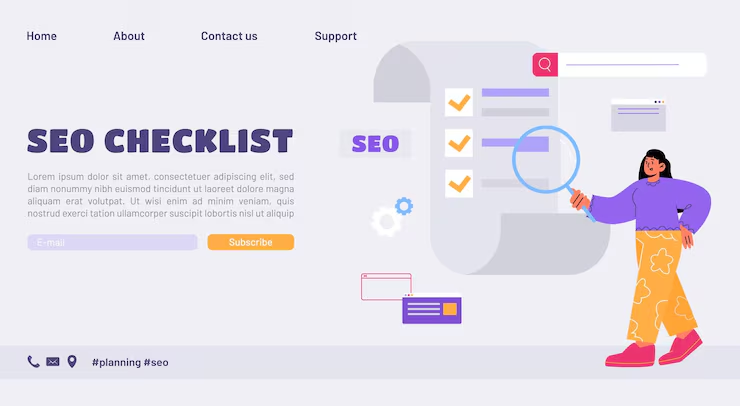
Good blog design and good SEO work together. The way you structure your pages, headings, images, and internal links all affect how search engines read and rank your content.
Keyword and content strategy
Use an AI SEO tool to identify target keywords for each post and spot content gaps in your niche. An LLM optimization audit can complement this process by evaluating whether your content is structured clearly enough to be understood and referenced accurately by AI-powered search and answer systems. Tools like RankControl fold that check into content production, generating articles already structured for AEO so they’re citation-ready for AI visibility in answer engines from the first draft. Do not stuff keywords into headings or force them into places where they do not read naturally. Search engines prioritize content that serves readers, not content that performs for algorithms.
Technical SEO elements AI can help with
- Meta titles and descriptions for every page and post
- FAQ sections that match common search queries in your niche
- Internal linking suggestions to keep readers on your site longer
- Image alt text drafts that describe what is actually in the image
- Heading structure with one clear H1 per page and logical H2 and H3 subheadings
- Content gap ideas based on what competitors are covering that you are not
Search intent
Before writing any post, confirm what the reader actually wants when they search for your target keyword. Are they looking for a quick answer, a detailed guide, a product comparison, or something else? AI tools can help you assess search intent, ensuring your content matches what people are actually looking for. When paired with AI lead generation tools, this approach helps attract more qualified visitors and convert organic traffic into meaningful business opportunities. For blogs looking to grow beyond a single-language audience, website translation with AI tools like Tolgee help manage and update translated content directly within your site.
Step 8: Review, edit, and humanize everything
AI output is a first draft, not a finished product. Every design suggestion, piece of copy, or layout idea needs a human review before it goes anywhere near a live blog.
What to check before publishing
- Accuracy — Does the content reflect what is actually true? AI can confidently produce inaccurate information, so fact-check anything specific.
- Originality — Does it sound like you? Run AI copy through your own voice and edit anything that feels flat or robotic.
- Brand fit — Does the design feel consistent with your overall visual identity? Mismatched elements make a blog look unfinished.
- Visual quality — Are the images sharp, relevant, and appropriate for your audience?
- Accessibility — Run a final check on color contrast, font size, and alt text.
- Licensing — If you used AI-generated images, confirm the licensing terms before publishing. Not all AI image tools allow commercial use by default.
- User testing — Ask someone outside your team to navigate your blog and tell you where they get confused or lose interest. Real feedback catches things AI and self-review miss.
Common Mistakes to Avoid
Even with the best tools, a few habits consistently lead to weak results.
- Accepting the first AI output without editing. The first suggestion is always a starting point. Ask for variations, refine your prompt, and edit until it actually fits your brand and audience. For written drafts, an AI humanizer handles part of that editing pass by reworking the uniform phrasing a model defaults to.
- Building a generic-looking blog. Default AI suggestions without customization produce blogs that look like dozens of others. Specificity in your prompts and brand decisions is what makes a design feel original.
- Overusing AI-generated visuals. A blog full of obviously AI-generated images can feel impersonal. Mix in real photography or custom-branded graphics to keep things grounded.
- Ignoring mobile design. Always test on a real phone before going live.
- Keyword stuffing. Forcing keywords into headings and copy does not improve rankings. It makes your content harder to read and signals low quality to search engines.
- Skipping accessibility checks. Color contrast issues and missing alt text are easy to fix early and expensive to fix after a blog is live.
- Designing for algorithms instead of readers. Every design and content decision should serve the person reading your blog. Search visibility follows naturally when readers find your content useful, clear, and easy to navigate.
Build Your Blog on the Right Foundation
Designing a blog with AI is no longer reserved for people with a big budget or a technical background. The tools are accessible, the process is learnable, and the results can look just as polished as anything a professional team would produce, as long as a real person stays involved at every step.
Your visual identity is where readers form their first impression, and BrandCrowd makes that part easier than most bloggers expect. Its AI-powered brand kit builder gives you a logo, color palette, and font set that work together from day one, so your blog looks intentional before you publish a single post. If you are also building your site from scratch, Design.com covers both branding and website building in one place.
Start with your brand, build with intention, and let AI do the heavy lifting.
For inspiration and discovery, explore a Best AI Tools Directory like SurfAI.app to find AI tools for every stage of your workflow.
Read more on website design here:
- How To Build Your First Website With AI
- Best AI Tools for Entrepreneurs in 2026
- 10 Web Design Trends for 2026
FAQs on Designing a Blog with AI Tools
1. Can AI design a blog for me?
AI can generate layouts, suggest branding directions, and help structure your content. It still needs your direction and editing to produce something original and genuinely on-brand.
2. What is the best AI tool for blog design?
It depends on what part of the process you are working on. Design.com works well for building the overall site structure. BrandCrowd is strong for brand kits and visual assets. Canva AI handles graphics. Surfer SEO covers search optimization. Most bloggers end up using a combination of these tools.
3. How do I make an AI-designed blog look original?
Customize everything the AI gives you. Add your brand colors, your own photography, your actual voice in the copy, and design elements that reflect your niche. Generic blogs are generic because no one edited the defaults.
4. Can AI help with blog SEO?
Yes. AI tools can suggest keywords, draft metadata, recommend heading structures, flag content gaps, and generate FAQ sections. The strategy behind those suggestions still needs human input to be effective.
5. Do I need coding skills to design a blog with AI?
No. Most AI website builders and design tools are built specifically for non-technical users. Tools like Design.com handle the technical side so you can focus on content and branding.
6. How long does it take to design a blog with AI?
With clear goals and the right tools, a basic blog design can come together in one to two days. The planning stage in Step 1 takes the most thought, but it also saves the most time later.
7. Is AI-generated blog design good for SEO?
It can be, as long as the structure follows SEO best practices. AI helps with technical elements such as heading structure, metadata, and alt text. The content quality and overall strategy still need human input to perform well in search.
8. How do I choose colors and fonts for my blog using AI?
Give your AI brand kit tool context about your niche, audience, and tone, and it will generate palette and font pairing options based on that input. BrandCrowd is particularly useful here because it bundles color, font, and logo suggestions into a cohesive brand kit you can apply across your entire blog.
Hannah Suroy suroy brings clarity to complex topics across entertainment, business, and creative industries. She specializes in translating industry trends and innovations into engaging content that helps readers understand the creative process behind the work they love.