Best Logo Design Tools for Startups in 2026
Creating a logo used to mean hunkering down for days (or weeks) with design software and building it all from scratch. Or hiring a graphic designer or a marketing agency.
But what if you don’t have the budget? What if you don’t have the time to edit? Or what if you don’t have the technical skills to edit a logo on your own? Are you just forever doomed to settle for an ugly, unprofessional logo?
Don’t fret! Startups today have a lot of options in their hands – particularly, logo maker tools. These tools give you access to designer-made logo templates that you can simply customize with your business details to make them more you. This way, you don’t have to create them all from scratch.
However, there are hundreds of logo tools available in the market. How do you know which one can actually deliver the logo of your dreams and which are just marketing gimmicks?
That’s what we are here to find out today. We ran a structured, data-backed experiment to find which logo maker tools are most worth it, considering the top factors most startups need and comparing them thoroughly.
Let’s take a look at the results below.
How We Evaluated the Logo Design Tools
Each tool was tested using the same fictional business scenario: creating a logo for a neighborhood laundry service called “Wash Upon A Star”.
We will then score them out of 100 based on these criteria:
| Criteria | Score | What We Looked For |
| Logo Quality | 30% | Variety, Industry Relevance, Originality |
| Customization Flexibility | 20% | Editing Depth, Creative Freedom |
| Ease of Use | 20% | Speed, Simplicity, Beginner-Friendliness |
| Download & File Formats | 15% | Amount of File Formats Available, Are They High-Res |
| Value for Money | 15% | Pricing vs Output Quality |
For relevance, we’re looking for logos that have the common industry imagery, such as washing machines, bubbles, clothes, water, sparkle effects, stars, etc.
Though simply looking like a logo for a laundry service is not enough. We want more than generic. We’re looking for logos that hit the “friendly and approachable, local neighborhood shop” brand personality brief. So something that contains bubblier typography, brighter colors, smiley icons, and the like.
Customization flexibility and ease of use work in tandem for us. Can you fully edit the logo and make bigger creative changes, all while still being simple enough for beginners? If yes, then you get higher marks.
Now for file formats – here we want to check just how many different file types each tool gives you. Most tools also lock high-res files behind a paywall or put watermarks on them. So we’ll give higher points to those that give you everything you need even on their free plans.
Pricing was evaluated based on long-term value and what you overall get rather than simply the cheapest one.
Top Logo Design Tools (Results Overview)
We tested every tool we can get our hands on for the past few months. We found five that rose to the top with their selection of laundry logos.
And this is how they got their scores:
| Tool | Logo Quality | Customization Flexibility | Ease of Use | Download & Print Options | Value for Money | Total Score |
| Design.com | 30 | 19 | 19 | 14 | 15 | 97 |
| BrandCrowd | 29 | 18 | 19 | 14 | 14 | 94 |
| Canva | 26 | 18 | 19 | 13 | 14 | 90 |
| Adobe Express | 25 | 19 | 18 | 13 | 13 | 88 |
| Wix Logo Maker | 24 | 17 | 19 | 13 | 14 | 87 |
Design.com came out as the clear winner, with BrandCrowd following closely behind.
Top Logo Design Tools (Detailed Breakdown)
Now we’ll go to the detailed breakdown of the top logo design tools that survived our testing, so you can see the reasons for their rankings plus fully understand their strengths and weaknesses.
1. Design.com — Best Overall Logo Maker for Startups
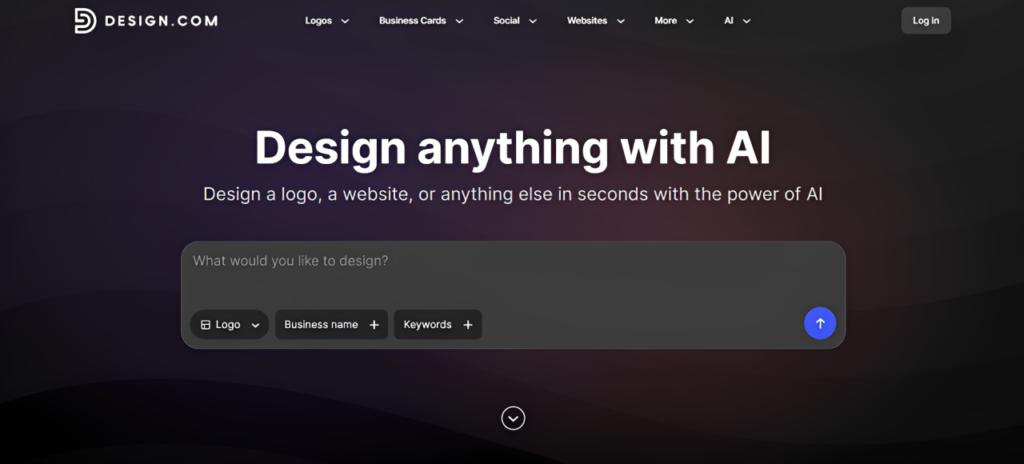
Score: 97/100
Why it ranks #1:
- Largest library of logo templates amongst competitors (currently at 500,000+)
- Logos are highly diverse and can suit a wide range of industry, niche, or brand identity
- Smart AI logo generator that can produce thousands of unique concepts in seconds
- Extensive branding ecosystem beyond logo design
- Comprehensive editing and customization tools
- Provides digital and print-ready formats like JPG, PNG, SVG, PDF, EPS, MP4
- Offers Brand Kits to make it easier to maintain visual consistency across materials
Design.com’s AI logo generator stands out because it gets everything right.
First is the quality. They don’t just give you plain or generic logos that have hangers or washing machines just to hit the “laundry service” brief. Instead, it delivers designs that actually feel relevant to the branding and personality of the business you’re actually building.
Here are the logos we got for Wash Upon A Star. As you can see, there’s a lot of sparkle and star motifs, softer lines, and rounder typography that matched the friendly nature of the brand.
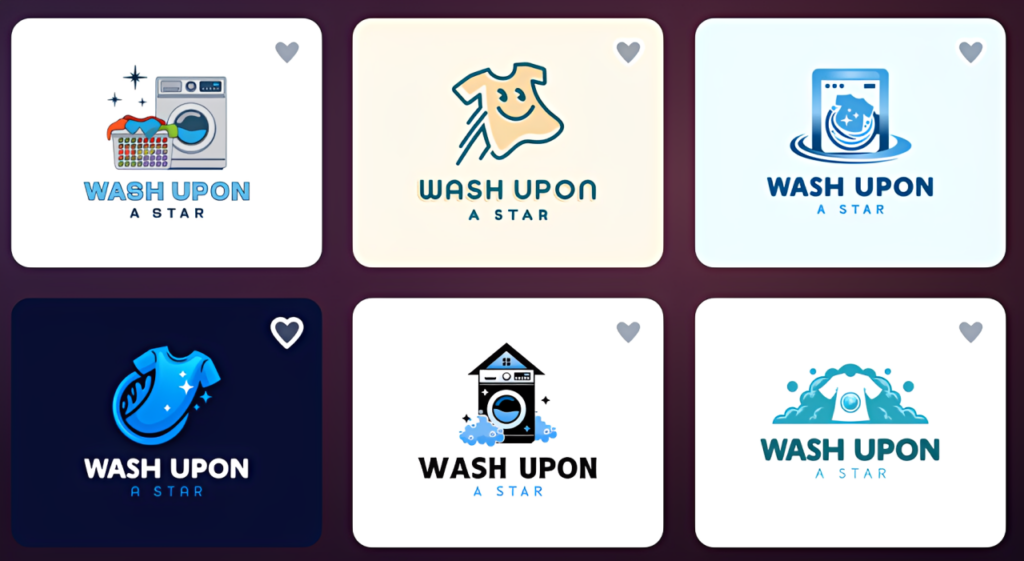
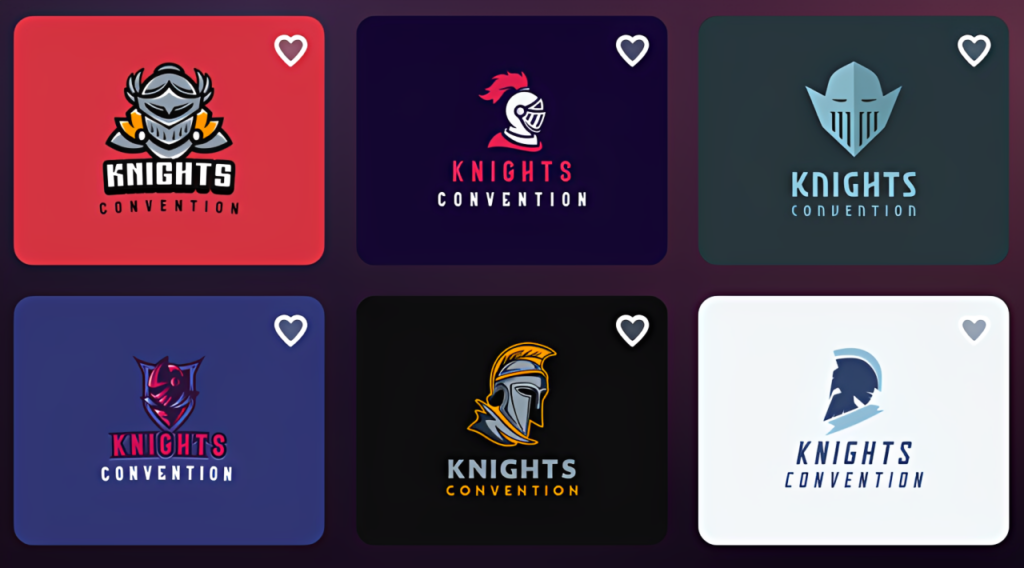
This ability to generate highly relevant logo recommendations is where Design.com separates itself from many competitors. Even for niche industries, the platform does a strong job of understanding the business category and presenting logos that feel purposeful rather than just a slew of random elements. Just take a look at how on-brand the logos they have for an esports team:
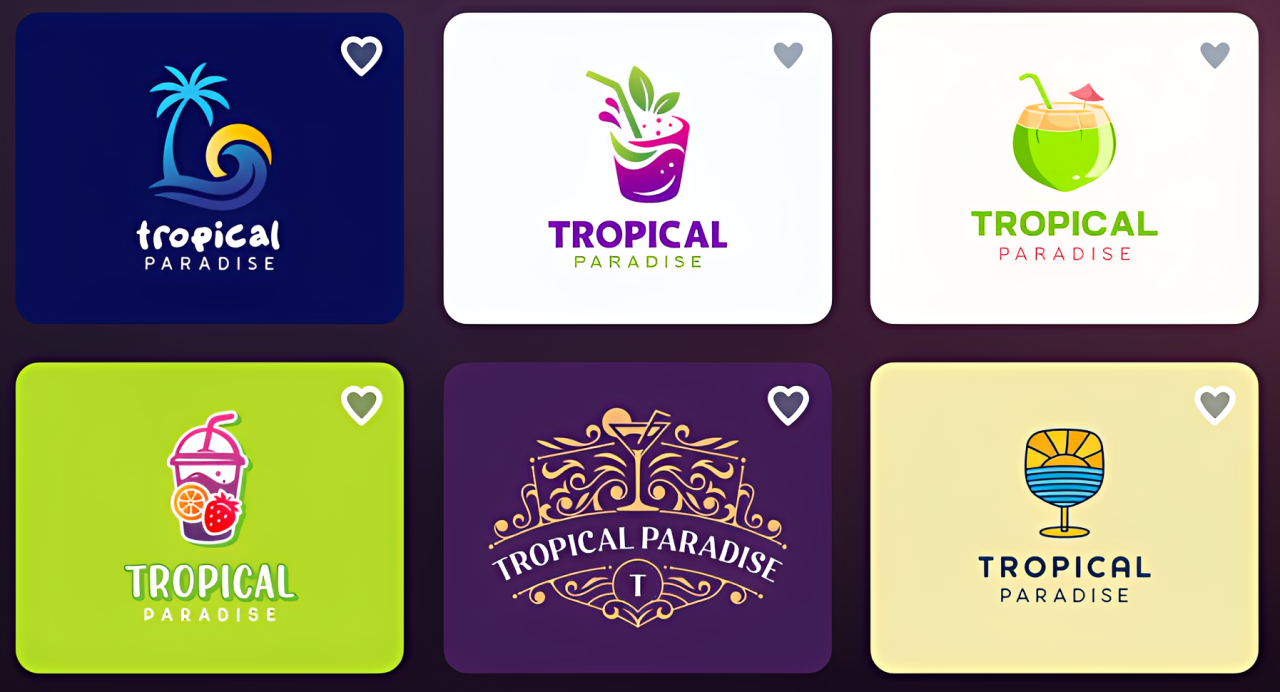
And for a drinks bar at a beach resort:
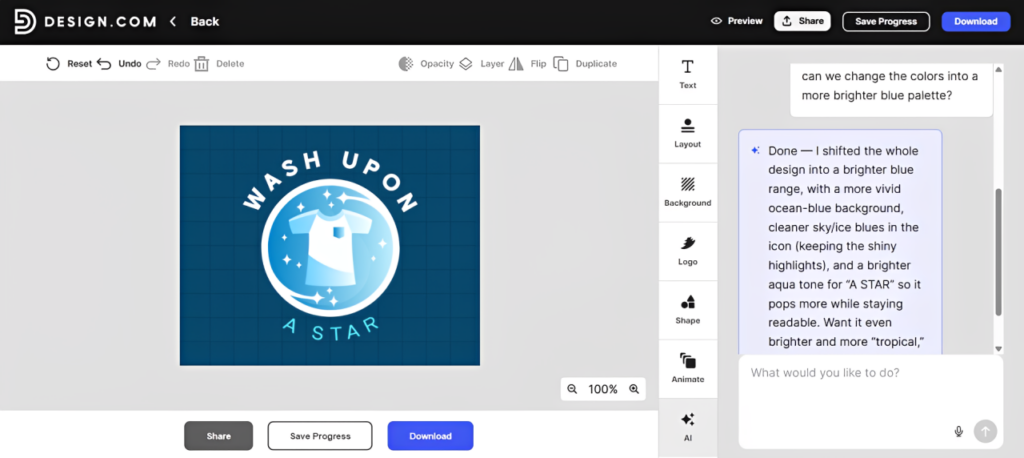
The editor is also easy to use while still allowing creative freedom. It has a drag-and-drop editor and straightforward controls so beginners can easily navigate the tool. Still, you can do advanced customization if needed: such as changing the spacing between letters, blending your own gradient palette, or adjusting the timing of your logo animation.
And if you’re too busy for manual editing, Design.com also offers an AI chat editor, where users can simply type in their request and let AI handle it all.
What truly pushes Design.com to the top of our rankings, however, is its broader branding ecosystem.
Once you create or upload a logo on the platform, it automatically applies your branding across other business assets. This makes it significantly easier to build a cohesive visual identity across marketing materials like social media graphics, business cards, email signatures, and more.
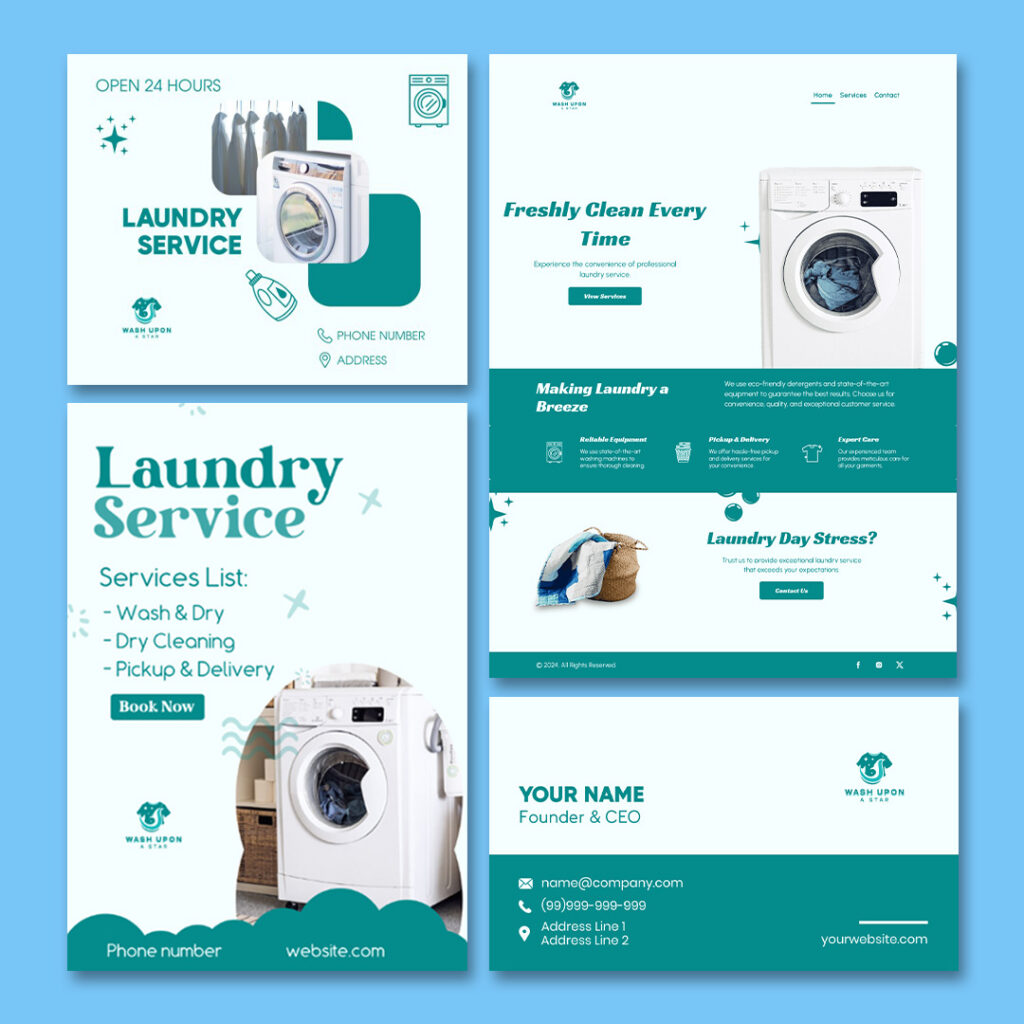
For startups that want more than just a logo, Design.com delivers the most complete branding solution in this list.
2. BrandCrowd — Best for Premium Logo Styles
Score: 94/100
What it does well:
- Wide range of creative and unique design styles
- Strong visual quality, has a very polished and premium feel compared to other platforms
- Great variety across industries
- Exclusive fonts and icons only available on the platform
- Beginner-friendly customization tools
- Multiple hi-res file formats including JPG, PNG, SVG, PDF, MP4, and EPS
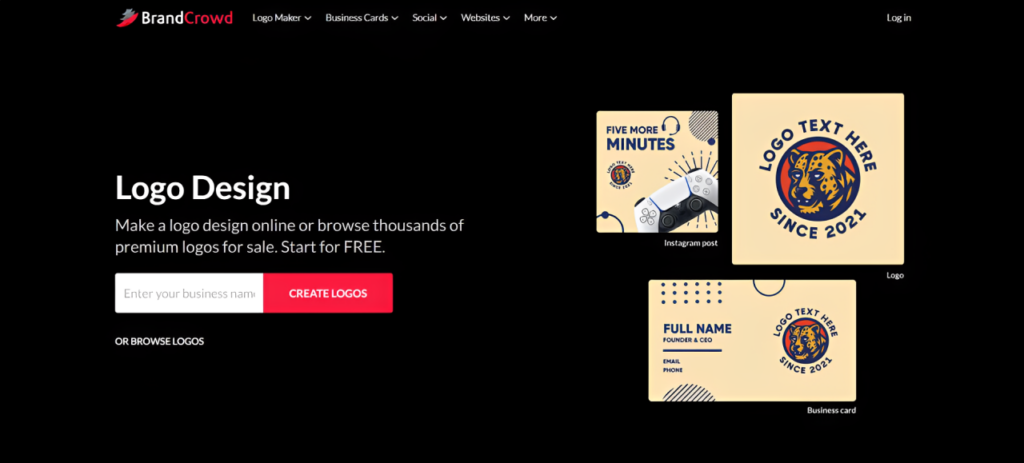
BrandCrowd earns second place largely because of the quality and stylishness of its logo designs. So if you want your logos to look creative and custom-made (and not one that screams “template logo”), then BrandCrowd is your best bet.
For Wash Upon A Star, BrandCrowd produced some of the most visually appealing logo concepts in our testing.
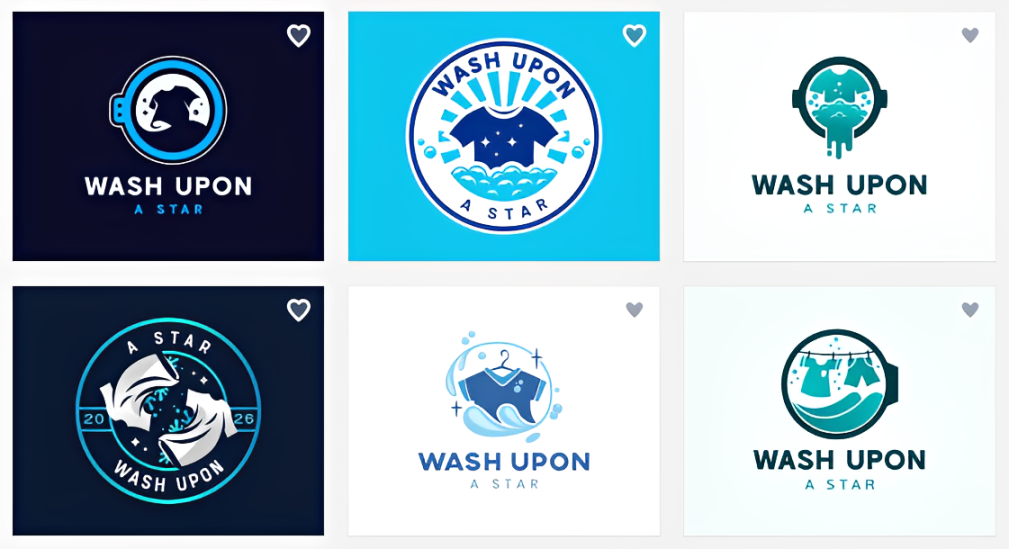
The designs have strong typography choices and well-integrated iconography. It lends to a more visually impactful look that really jumps off the page. Everything also looked thoughtfully designed rather than simply automatically generated. We’ve scrolled to over 20 pages full of logos and everything we saw were usable, no duds in sight.
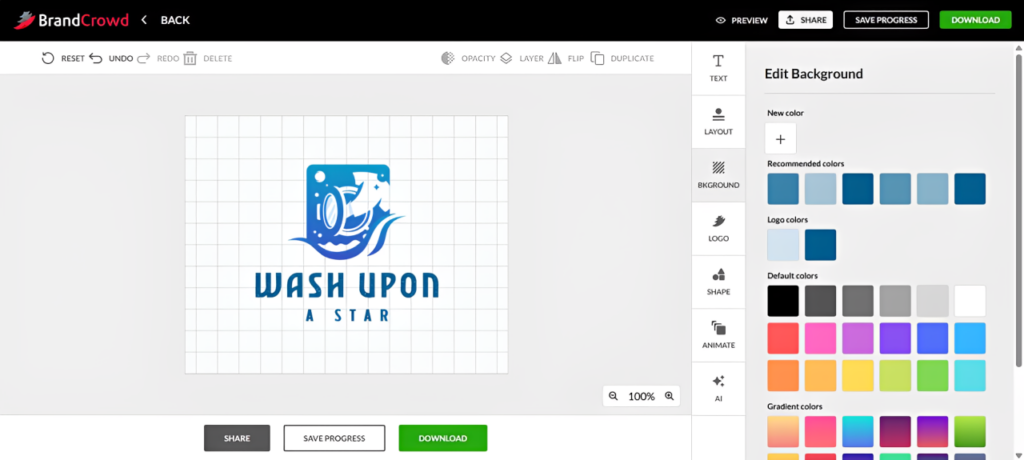
This is because BrandCrowd maintains strict quality standards. They run all logos through strict checks for originality and design quality, ensuring users are presented with the cream of the crop. So whether you’re building a service business, startup, restaurant, or ecommerce brand, the overall visual quality remains impressively high.
Here’s what their logos for a minimalist photo studio would look like. We specifically tried this one to check what the platform can do when tasked to do a completely different vibe. And the results are great, aren’t they?
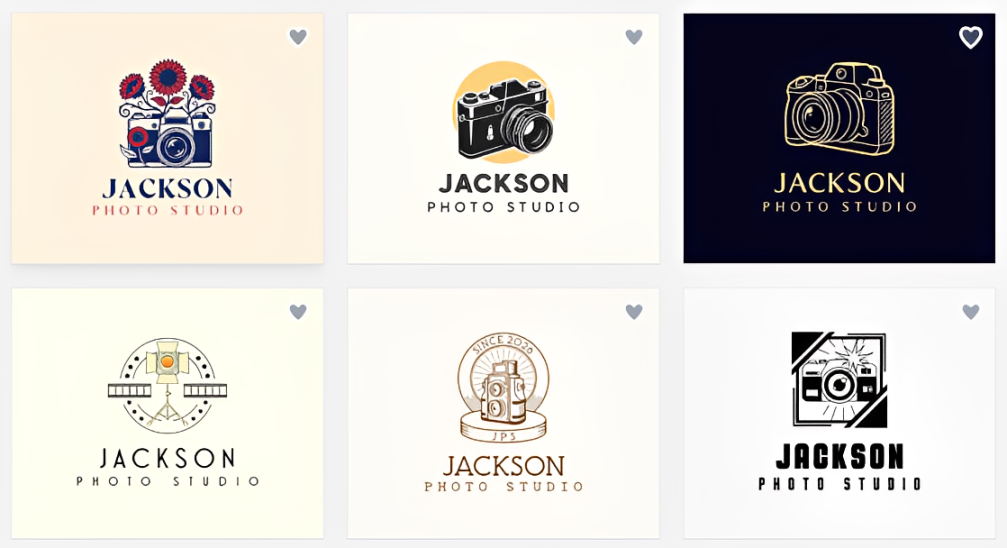
BrandCrowd also hosts over 525+ exclusive fonts and 62,000+ custom vector shapes. They don’t pull from stock libraries. This means all their designs being inherently unique and distinct (again, helpful for avoiding that template #1000 look).
Compared to Design.com, BrandCrowd offers slightly fewer templates. However, it’s still one of the strongest logo makers currently available in terms of variety and visual presentation.
3. Canva — Best for Quick and Simple Customization
Score: 90/100
Strengths:
- Extremely beginner-friendly drag-and-drop editor
- Large library of logo templates and design elements
- Easy access to icons, illustrations, shapes, and fonts
- Strong collaboration tools for teams
- Useful Brand Kit features for paid users
- Good option for startups that want to create matching social media assets
Canva is one of the easiest logo design tools to use, which is why it ranks third on this list. The editor is simple and straightforward; everything is intuitive, it’s easy to search for designs, etc.
When we tested Canva using Wash Upon A Star, the platform offered plenty of laundry-related templates. However, Canva did not feel quite as targeted as Design.com when it came to generating logo ideas that immediately matched the vibe.
They also don’t automatically rename the logos samples to reflect the name “Wash Upon A Star”, which can make it difficult to properly visualize how your final logo will look. Minus points for that!
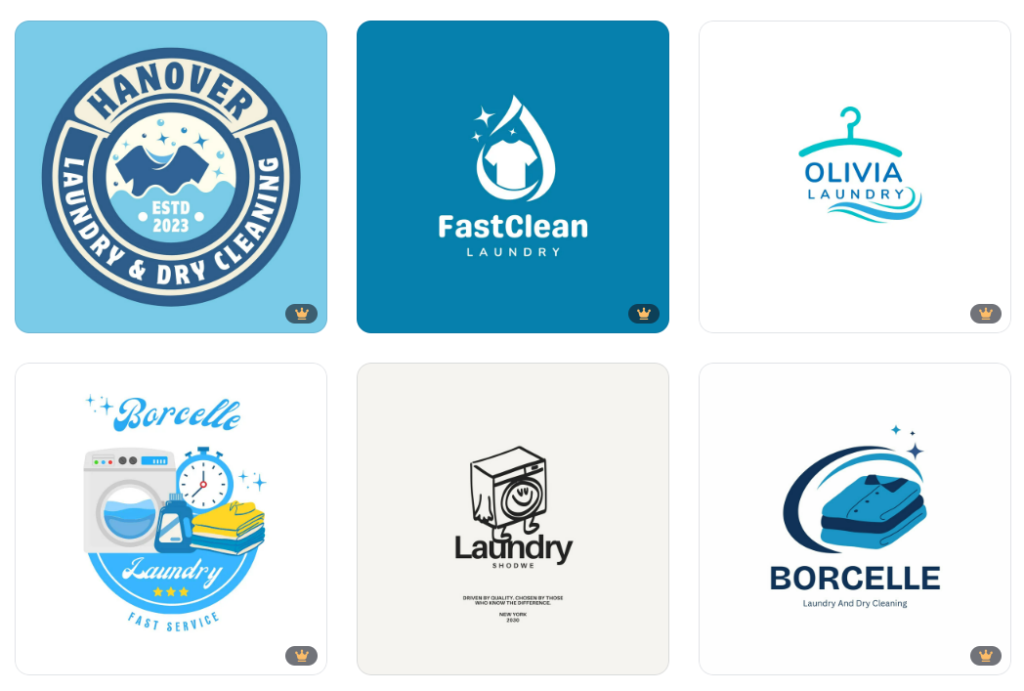
See the results? This is the main difference. Design.com felt more like a logo maker that understood the assignment from the start. Canva felt more like a flexible design workspace where users could build the right logo if they were willing to edit, tinker, and customize.
That is not necessarily a bad thing. Canva does give users a huge amount of related icons such as stars, bubbles, clothes, washing machines, water drops, and sparkle graphics so you can spice up the logo. Though it also means expending more manual effort just to get what you want (and we don’t want that!)
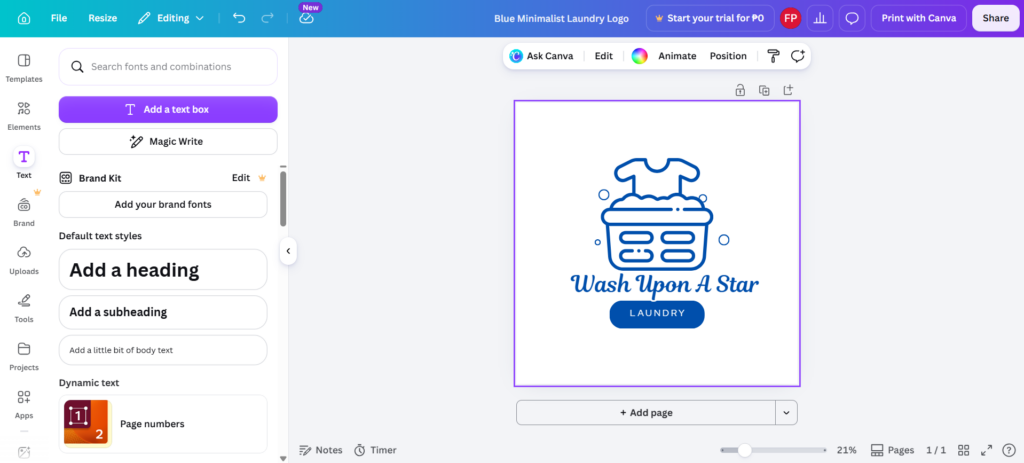
We also find that Canva’s logo templates to be inconsistent. Some look really modern and polished. But then you scroll a little more and suddenly everything looks generic or dated. Canva just doesn’t have the overall polish and curated feel that Design.com or BrandCrowd has.
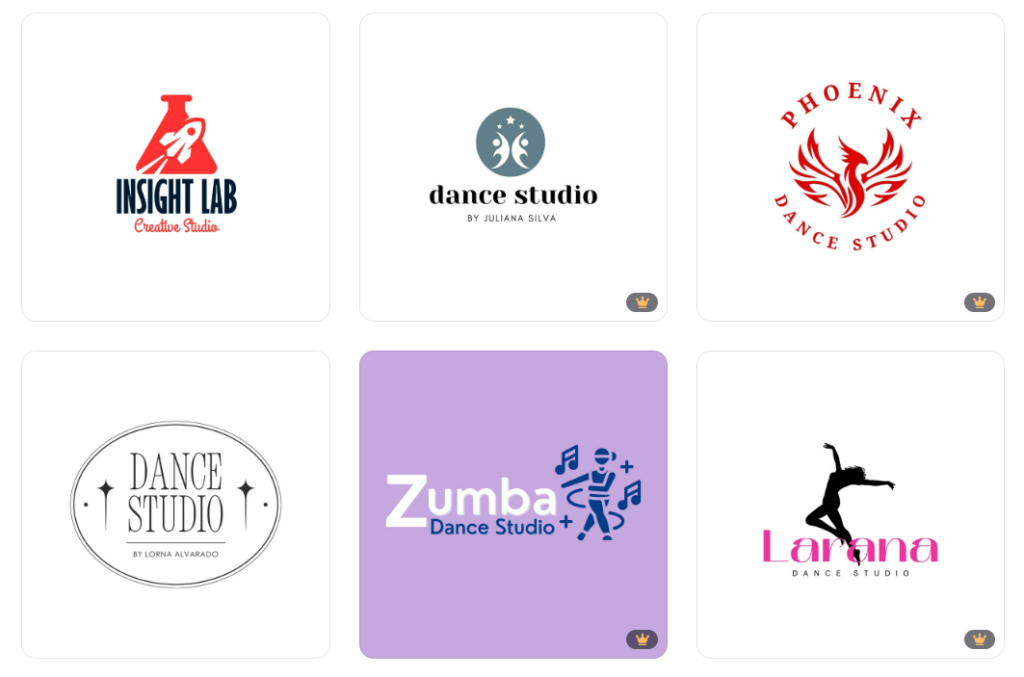
Like with BrandCrowd, we tested Canva’s capabilities on giving out designs for a completely different vibe. Here are the results for a hip hop dance studio. While the designs are passable, they don’t 100% fit the “hip hop” brief, which is disappointing.
File format access is another consideration. Canva can export common digital formats, but some formats, such as transparent PNGs and SVGs, require Pro plans.
Overall, Canva is a strong choice for startups that want the easiest editing experience and plan to create more than just a logo. But if the goal is to get highly relevant logo concepts quickly, Design.com still does that better. If the goal is premium template polish, BrandCrowd has the edge.
4. Adobe Express — Best for Creative Control
Score: 88/100
Strengths:
- More advanced editing tools than many beginner logo makers
- Access to Adobe fonts, stock libraries, graphics
- Seamless integration with other Adobe tools
- Generative AI designs and features
- Useful for creating animated brand assets
- Library of other design templates like social media graphics, flyers, etc.
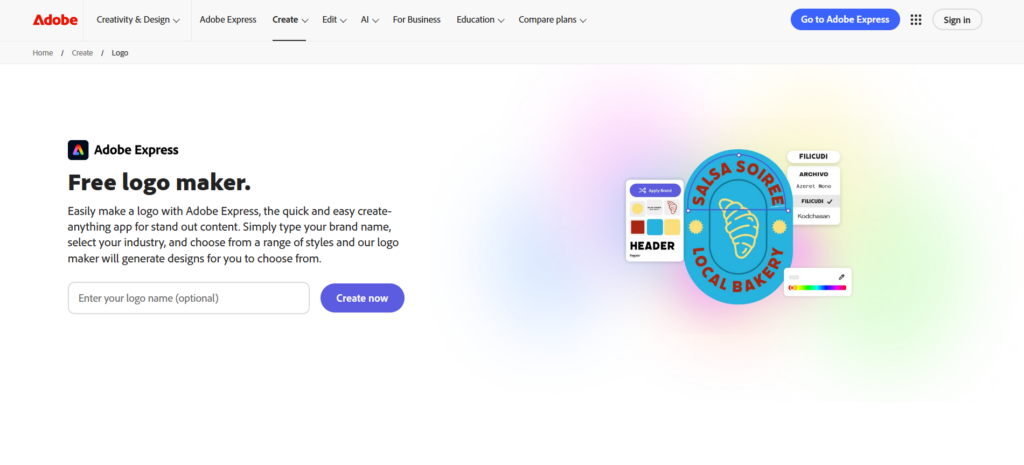
Adobe Express is a great option for startup founders who have a bit more design skills and are interested in doing more editing to get their logo.
Or maybe you just have strong opinions and a specific vision. Either way, Adobe Express is worth a look if that sounds like you.
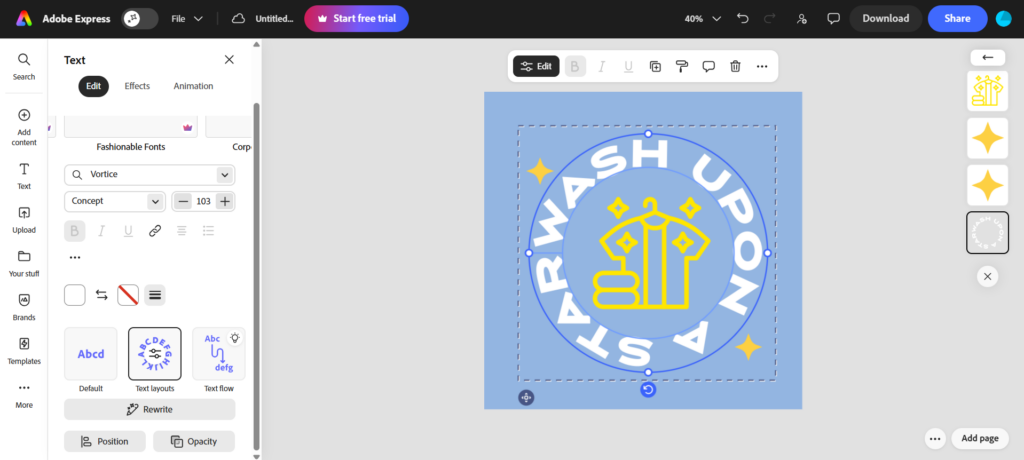
Adobe Express is the most comprehensive editor in the list. You can adjust text flows, change the edges of the icons, experiment with the saturation of the image, and add visual effects. This makes it a good choice for users who want more creative control than a simple logo generator can provide.
However, their main drawback is the relevance of the designs. We entered “laundry logos” on their search bar. Right off the bat, we noticed that it’s quite difficult to find what you want. Most of the results are not even related to laundry!
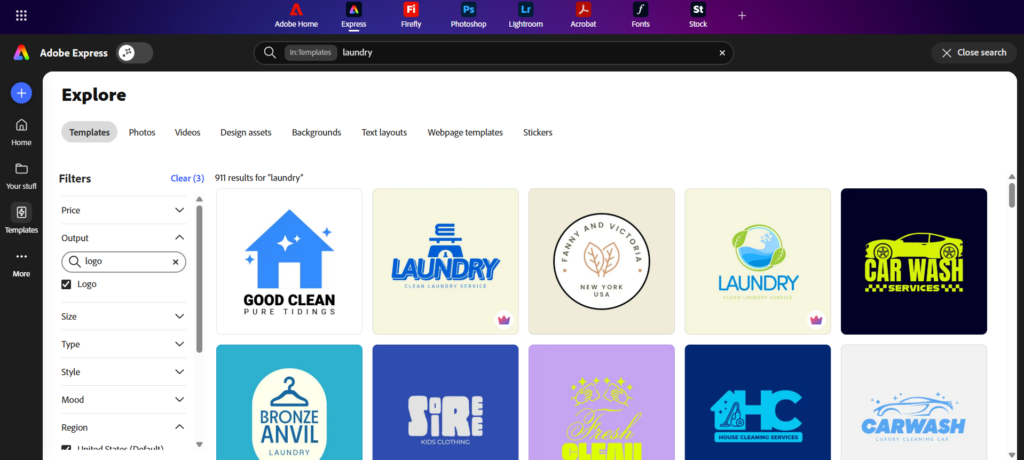
It also doesn’t have a template sorter unlike Design.com or BrandCrowd. You can filter for “logos”, but not specific ones like “coffee logos”, “flower logos”, or the aforementioned “laundry logos”.
The results themselves (at least those that are actually related to laundry) are fine. But it shows that you really need a lot of editing to make the logo achieve the friendly neighborhood laundry shop brief, unlike Design.com or BrandCrowd that gives you that at Step 1.
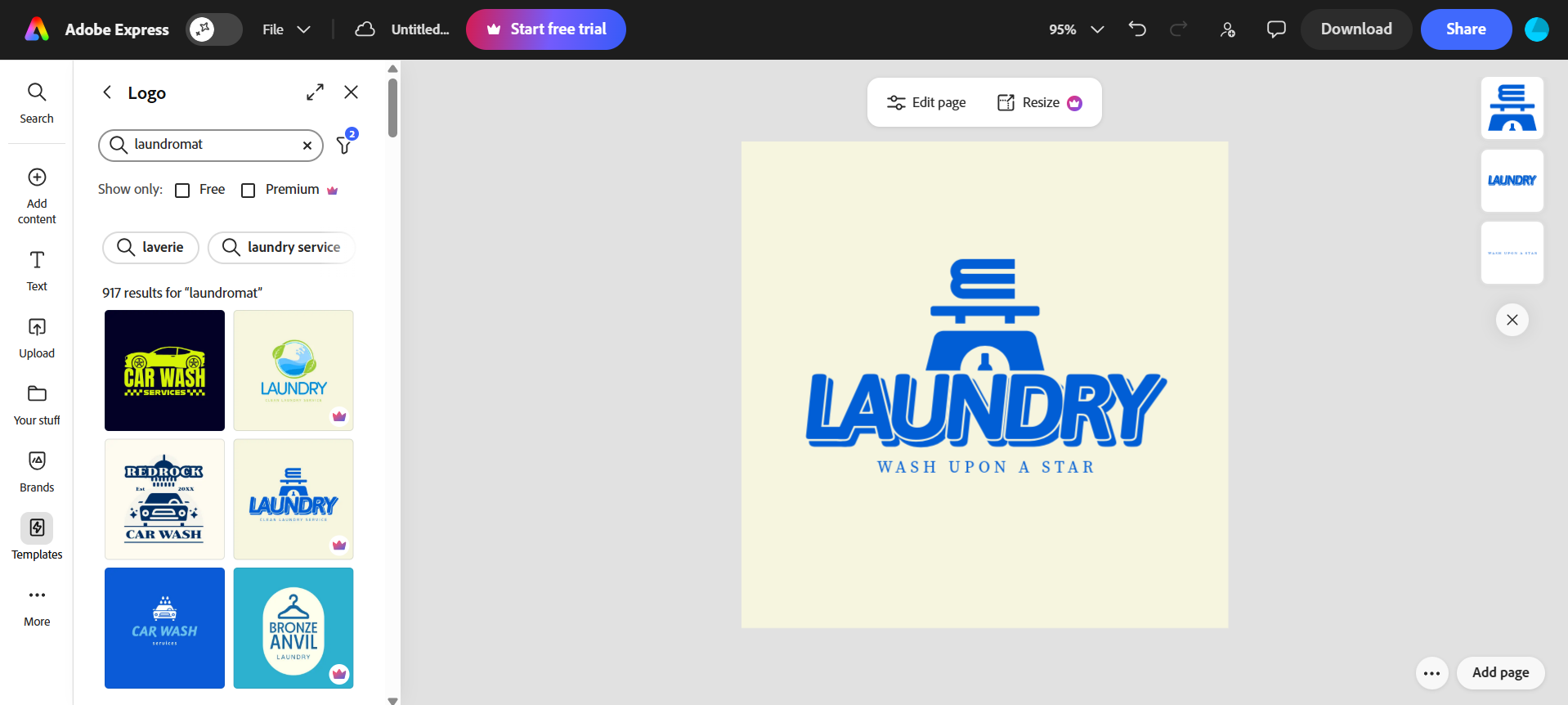
Now for some positives. You can access Adobe’s stock libraries, access their generative AI tool, and directly import assets from Photoshop or Illustrator. This makes Adobe Express incredibly versatile if you are already in the Adobe ecosystem.
For file formats, Adobe Express provides all the necessary file formats like PNG, JPG, and the likes. Though keep in mind that if you use any premium templates or designs, your file will get a watermark so avoid using those assets.
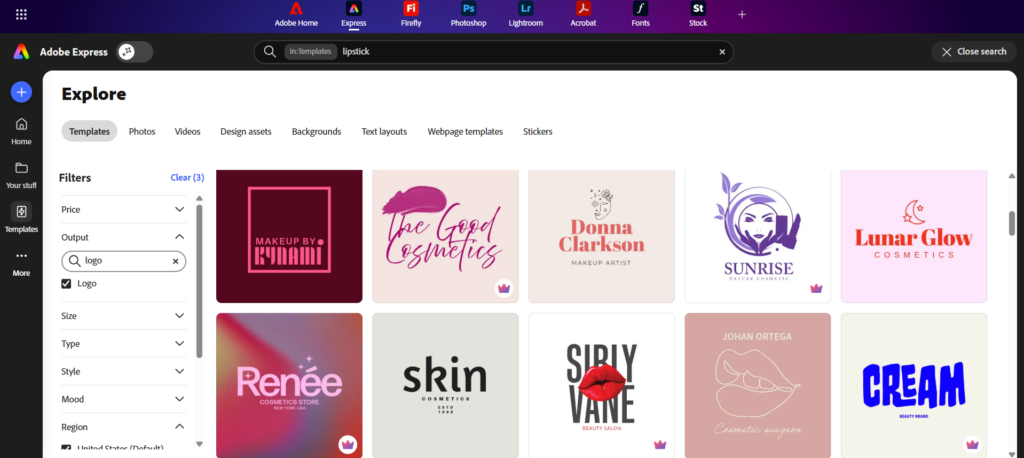
How is Adobe Express when it comes to other logo styles? We tried it out for a lipstick brand. Just like with the laundry logo search, they do give good designs. But again, searching gives out irrelevant results so you really have to sift through or edit a lot.
All in all, Adobe Express is best for founders who want a simpler alternative to professional design software but still want more creative freedom than the average logo generator provides.
5. Wix Logo Maker — Best for Website Integration
Score: 87/100
Strengths:
- Strong fit for users already building a Wix website
- Guided AI logo creation process
- Logos are tailored to your prompts
- Easy customization of colors, fonts, icons, and layout, also has AI editing features
- SVG logo file support
- Good option for service businesses that need to launch quickly and just needs a simple logo
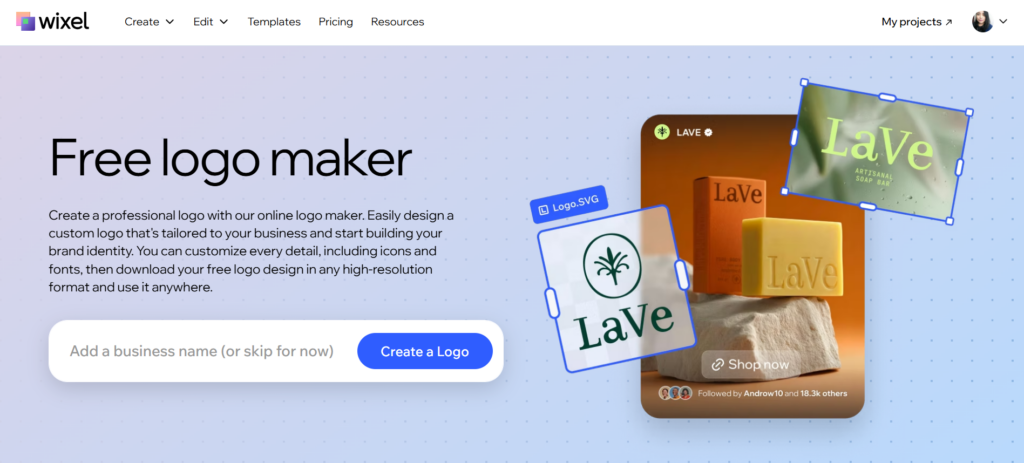
Wix Logo Maker (now called Wixel) works best when viewed as part of the larger Wix ecosystem.
Once a logo is created, it can fit naturally into the Wix website-building workflow. This is helpful for founders who do not want to jump between multiple tools just to create a logo, website, and basic brand presence.
The tool is also all about convenience with their AI guided questionnaire. Wix asks users about their business name, industry, and style preferences before generating logo options. It’s helpful for startup founders who don’t have a clear idea yet of what they want the logo to look like.
For Wash Upon A Star, this process produced clean and usable laundry-related logos. It does show the name “Wash Upon A Star” immediately and did hit the brief for a friendly and bubbly laundry shop. However, they only show four samples at a time. You can regenerate but it is pretty limiting to have few samples to look at time.
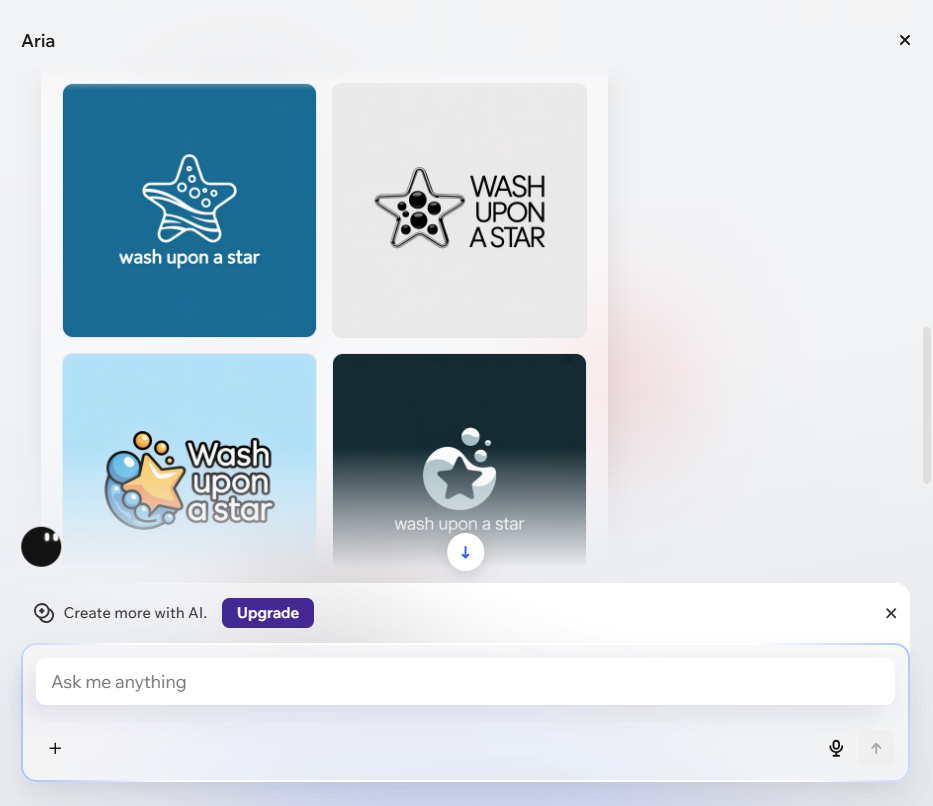
The designs are also too simple for our taste. They did not feel as memorable or as thoughtfully matched to the business name as the concepts from Design.com. They also lacked the creativity that made BrandCrowd stand out. Maybe if your brand is all about the uber minimalist feel, then it’s perfect. But otherwise, you’ll be disappointed with Wix’s offerings.
Wix does get plus points for ease of use. The platform is overall very beginner-friendly, has a lot of AI tools to help you, and it’s easy to find what you need even if it’s your first time visiting the site. The availability of SVG logo files is also another plus especially for businesses that need scalable logos for different use cases.
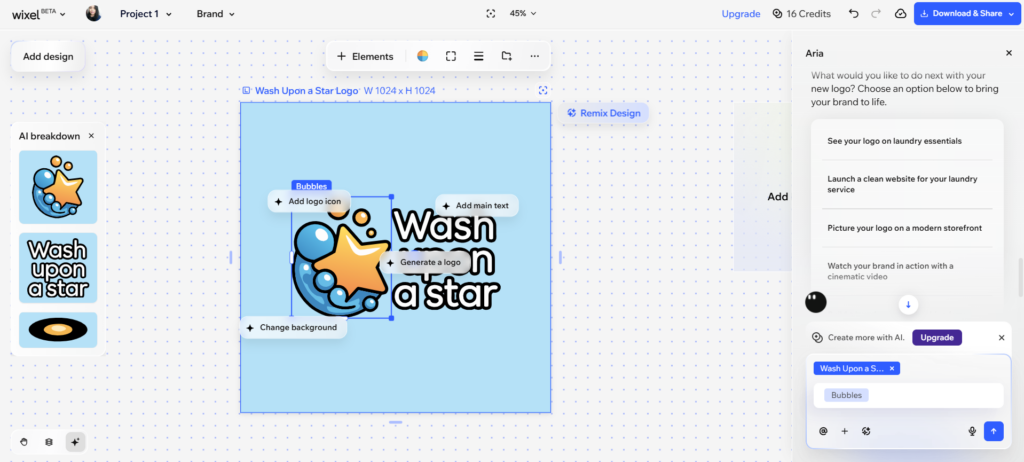
Now how does Wix compare when it comes to producing a completely different logo vibe? We tried it out for a residential construction company.
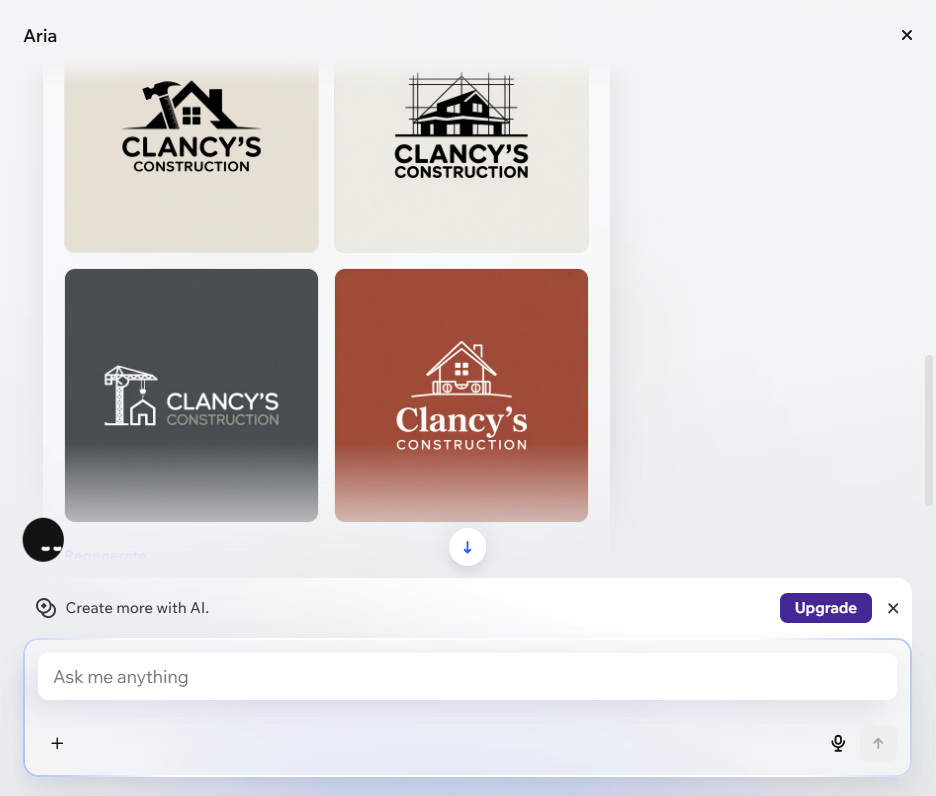
The results are fine and relevant, but again too simple for our taste. We would have also liked if the logos emphasized the residential and “homey” aspect a bit more, since we did mention that in our questionnaire with Wixel.
If your startup is already building with Wix, its logo maker is convenient and capable. But if your priority is getting the best-looking logo or the most relevant brand identity, Design.com and BrandCrowd are stronger options.
Conclusion
A busy startup founder like you doesn’t have the time to waste on a bad logo maker that won’t give you the logo you need.
This is exactly why we ran this experiment. By testing each tool using the same business scenario and evaluation criteria, we wanted to find out which platforms actually deliver the best results for startups.
And the findings were pretty clear.
Design.com emerged as #1 thanks to its highly relevant logo recommendations, extensive customization options, and complete branding ecosystem that extends far beyond logo creation.
BrandCrowd followed closely behind, standing out for its stylish templates, polished visual quality, and consistently professional-looking designs.
The remaining platforms all have their strengths. Canva is excellent for quick edits, Adobe Express offers more creative control, and Wix integrates seamlessly with website creation. But when we looked at the overall package, Design.com and BrandCrowd consistently came out on top and are what we would recommend you use.
And since you’re already here on the site, why don’t you check out our business card maker, email signature maker, and Facebook cover maker to fully establish a professional brand presence?
After all, a great logo is only the beginning. The real goal is building a brand that people remember.
Read more about logo design:
- 60 Rose Logo Ideas to Help Your Brand Bloom
- Logo vs. Icon: What’s the Difference and Why It Matters
- How To Do Logo Testing
Faviola Publico is an SEO Content Writer specializing in branding and digital marketing strategies. Outside of work, she enjoys reading slice-of-life novels and watching any mystery thriller-themed series.